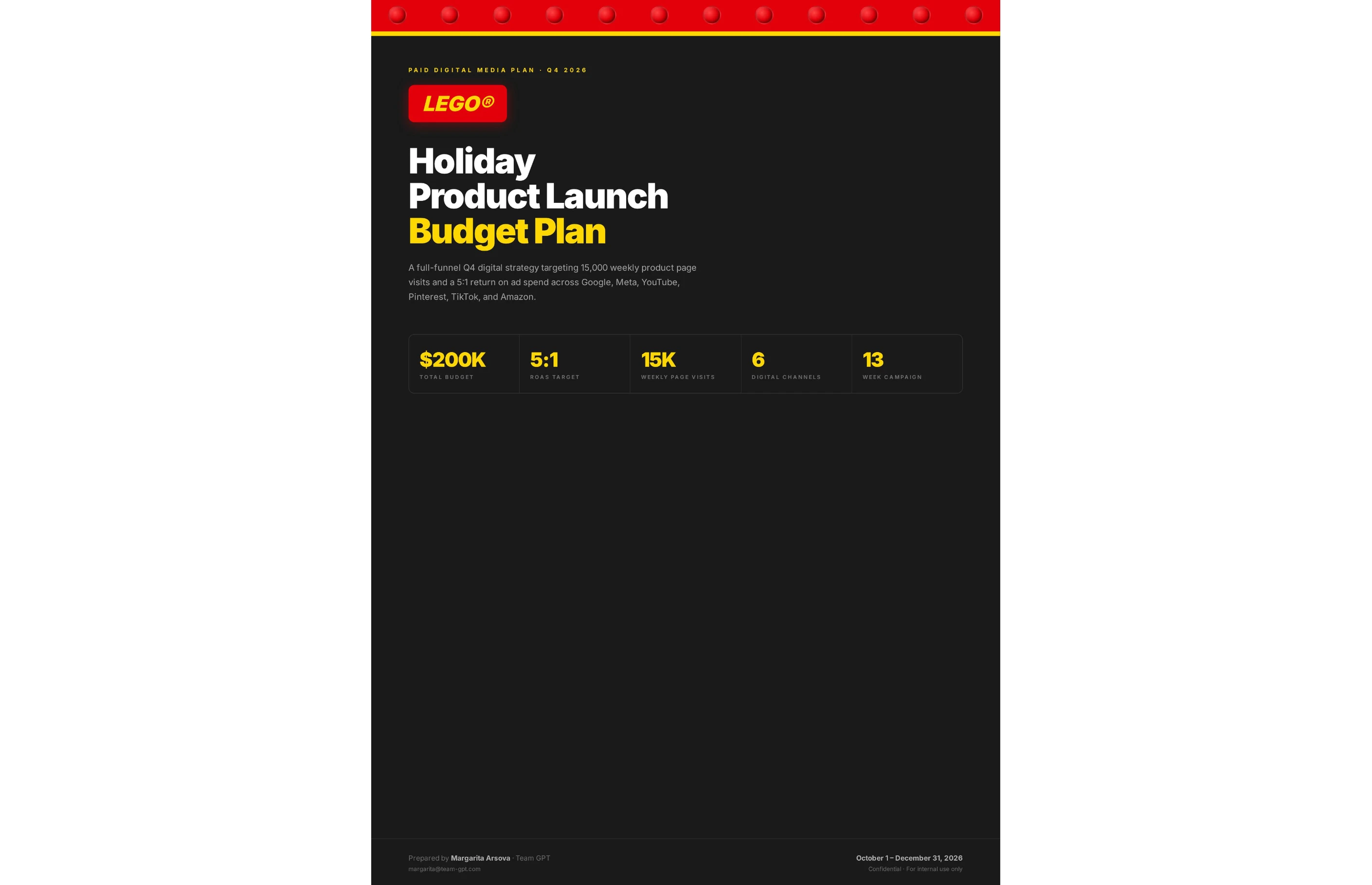
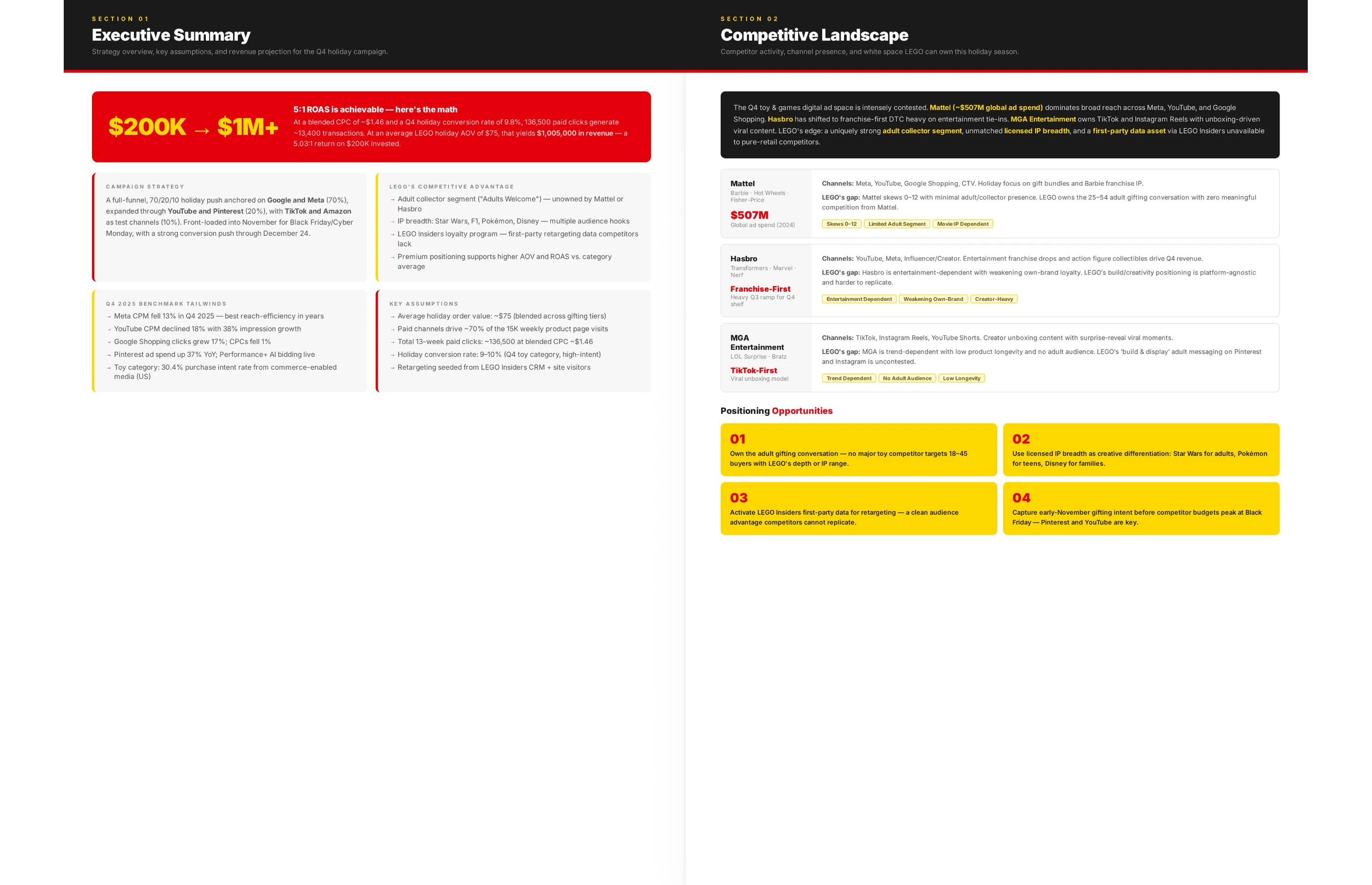
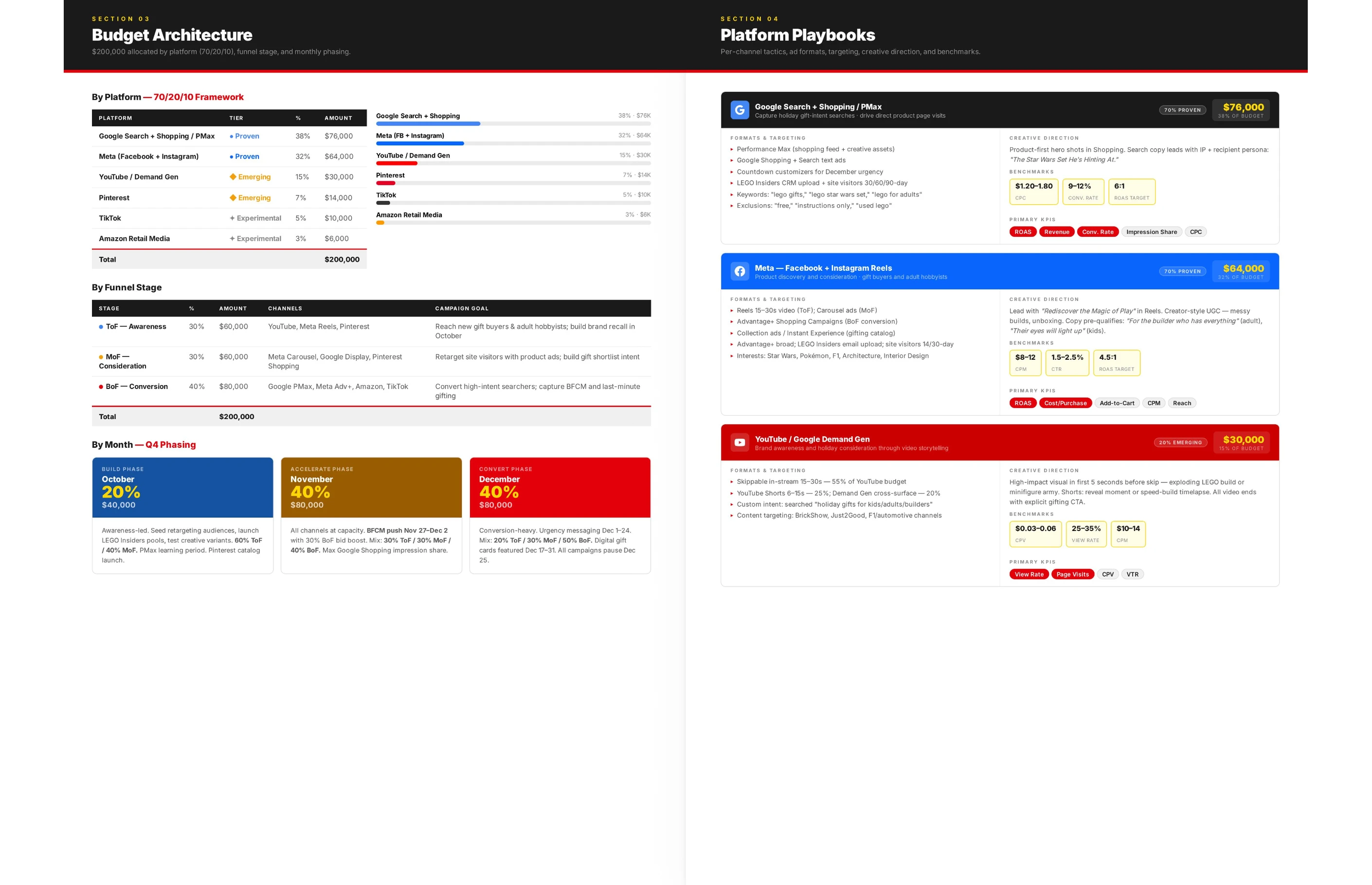
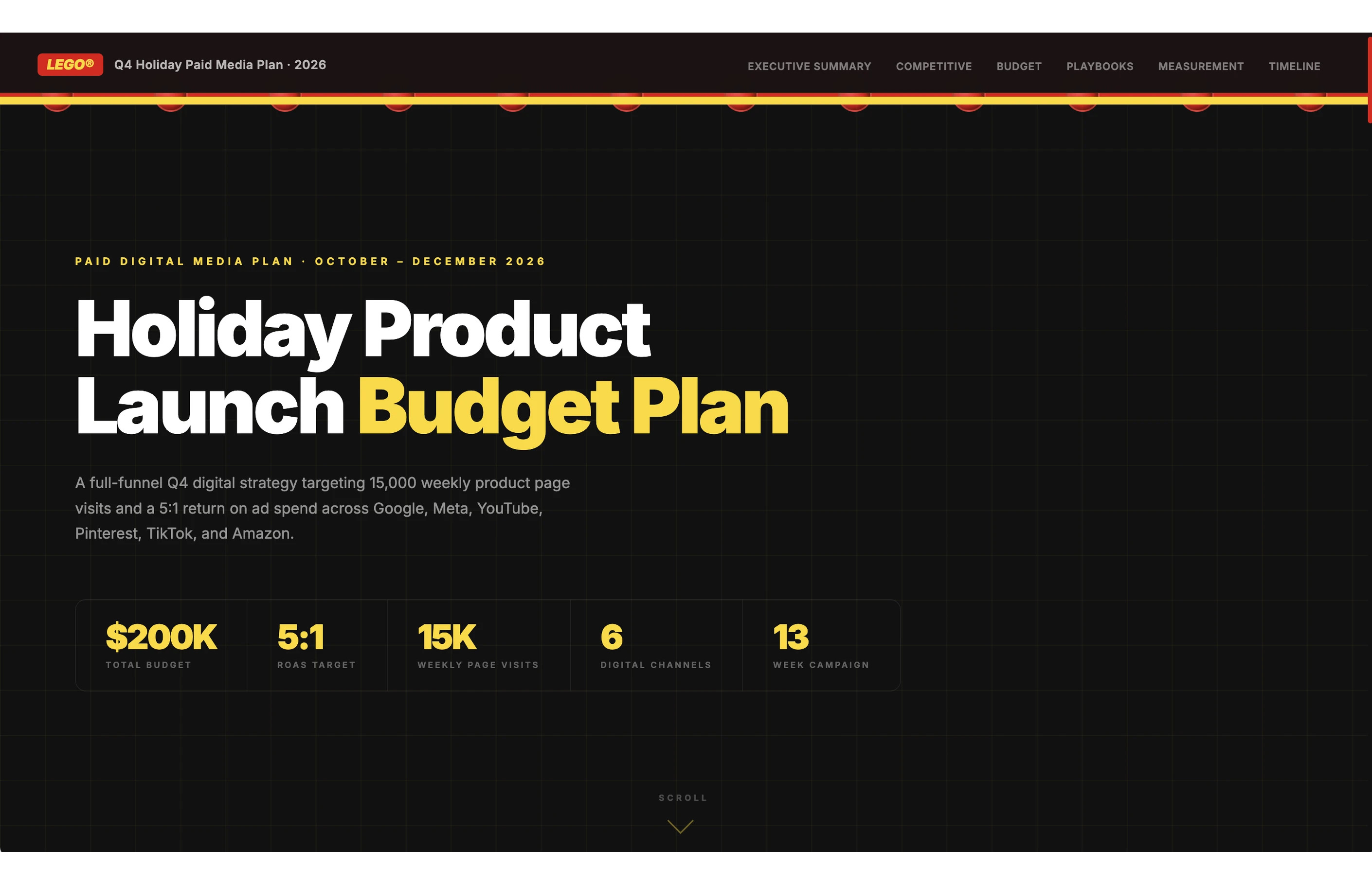
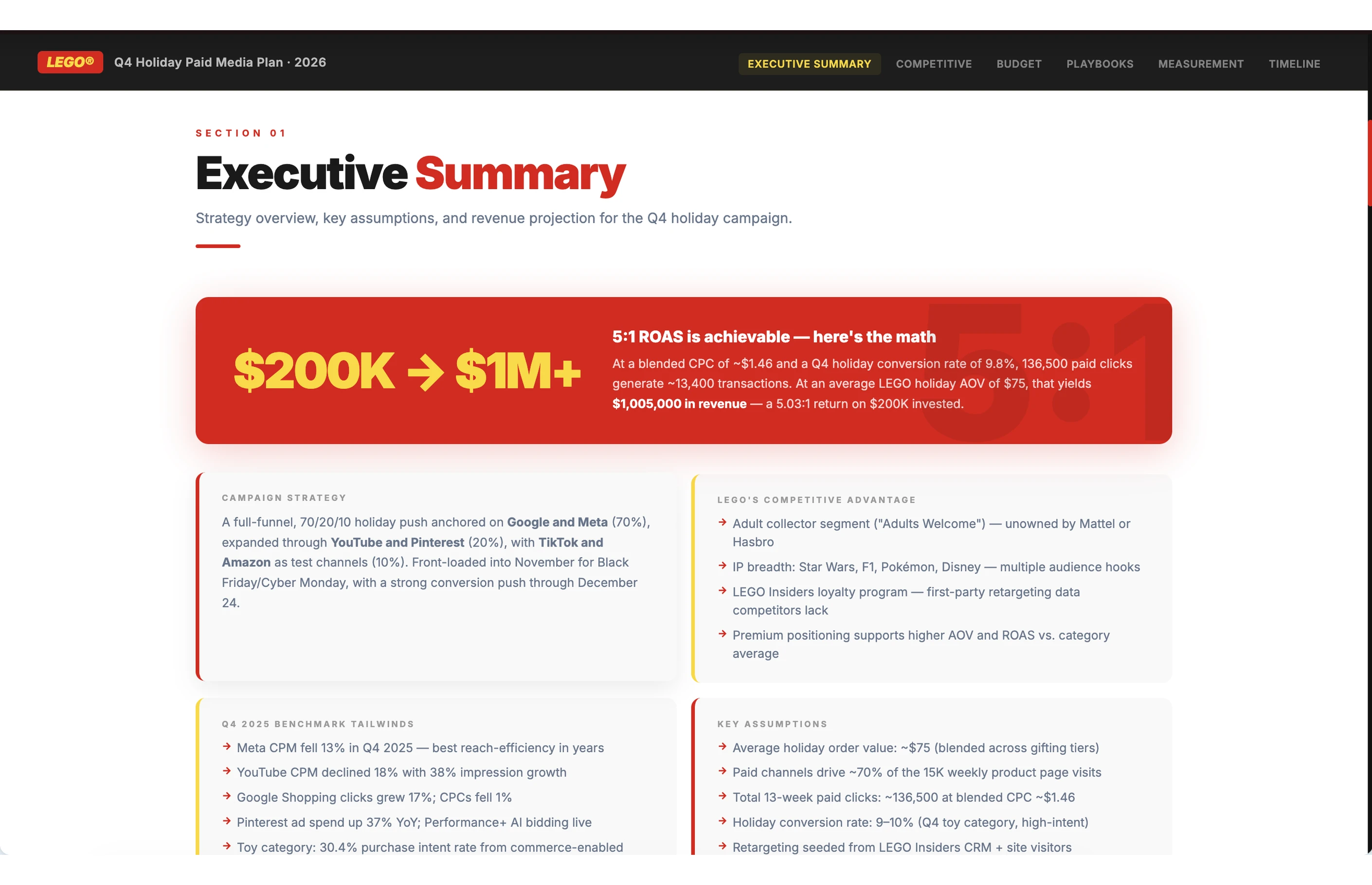
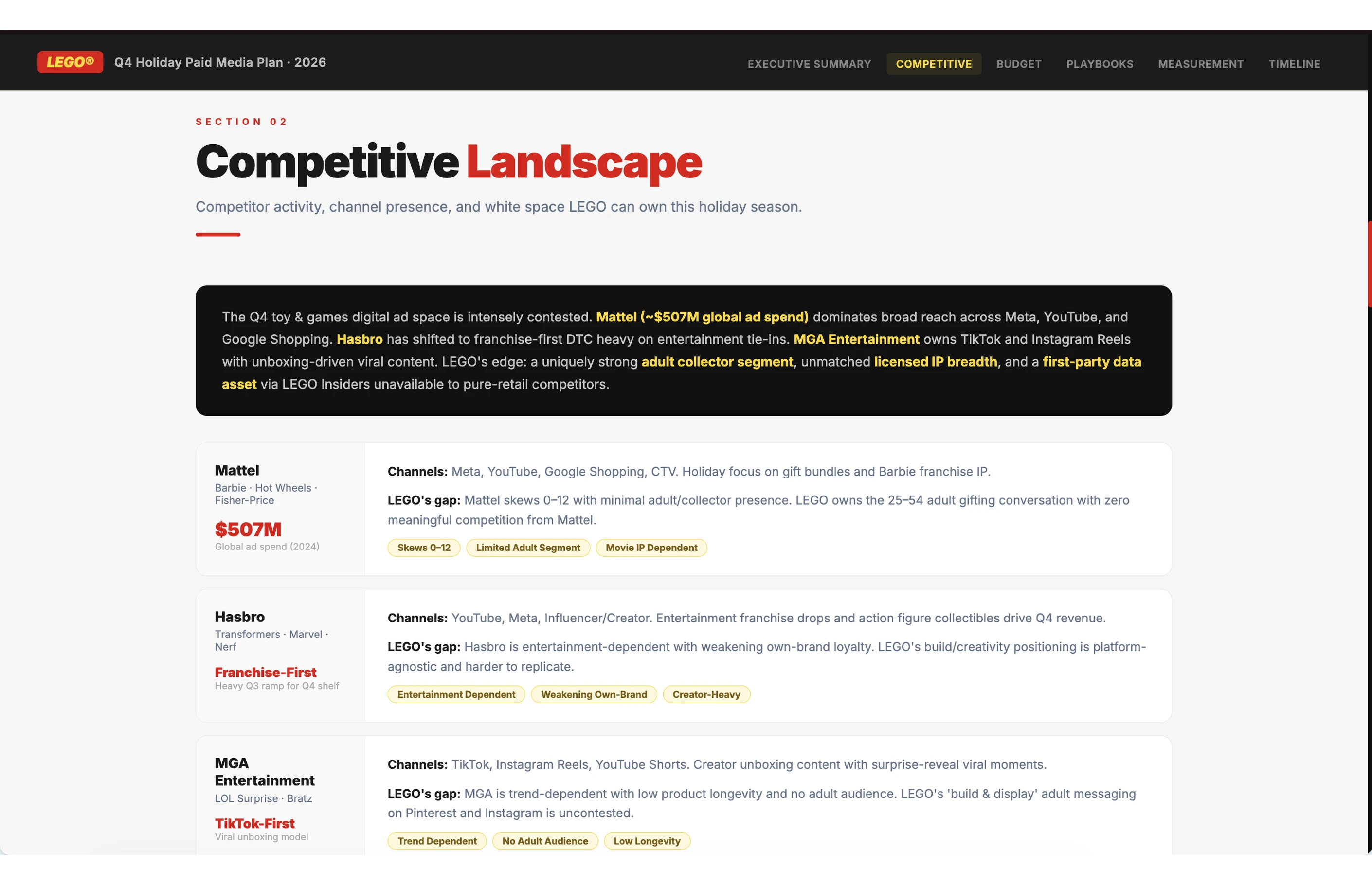
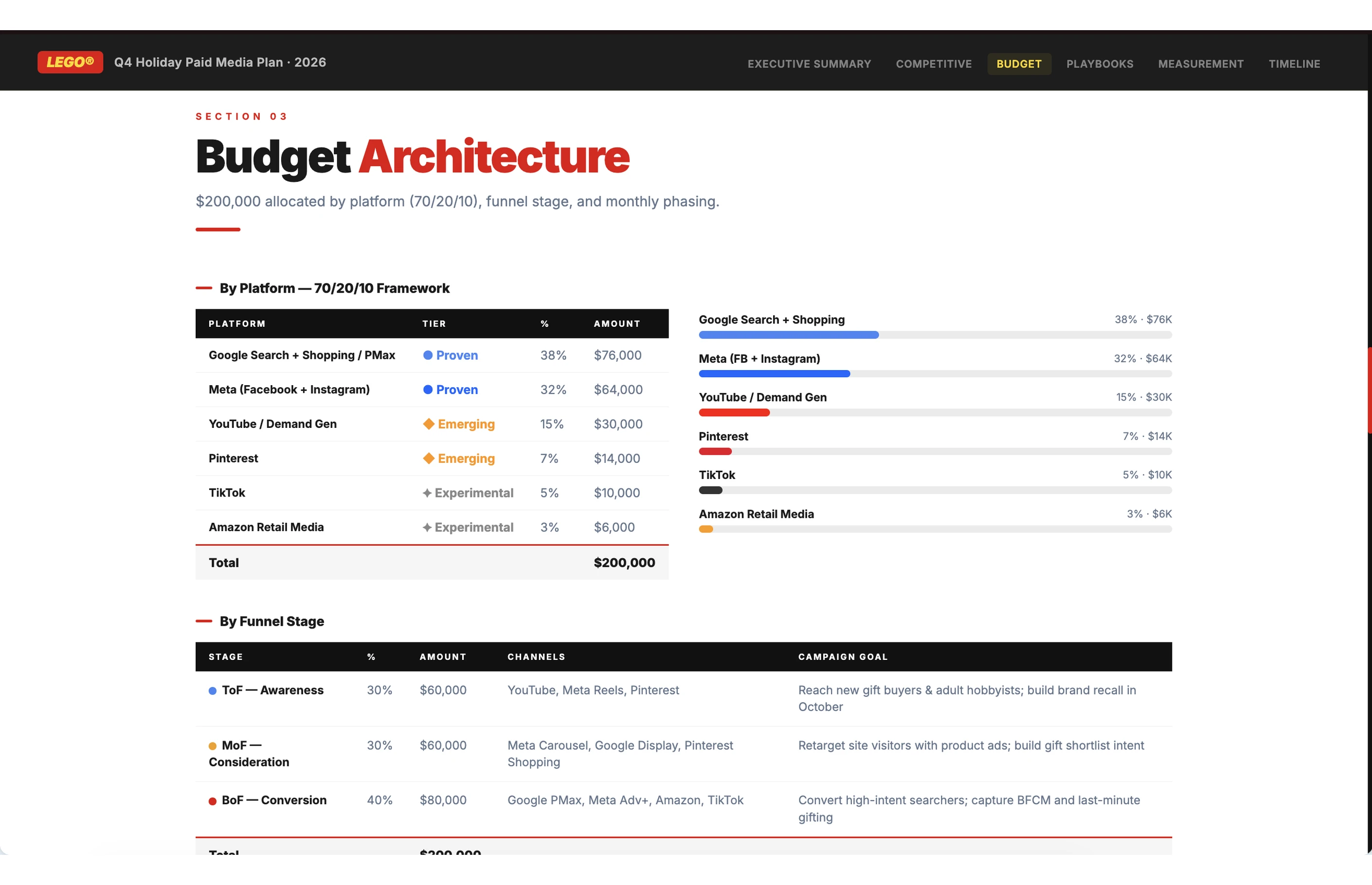
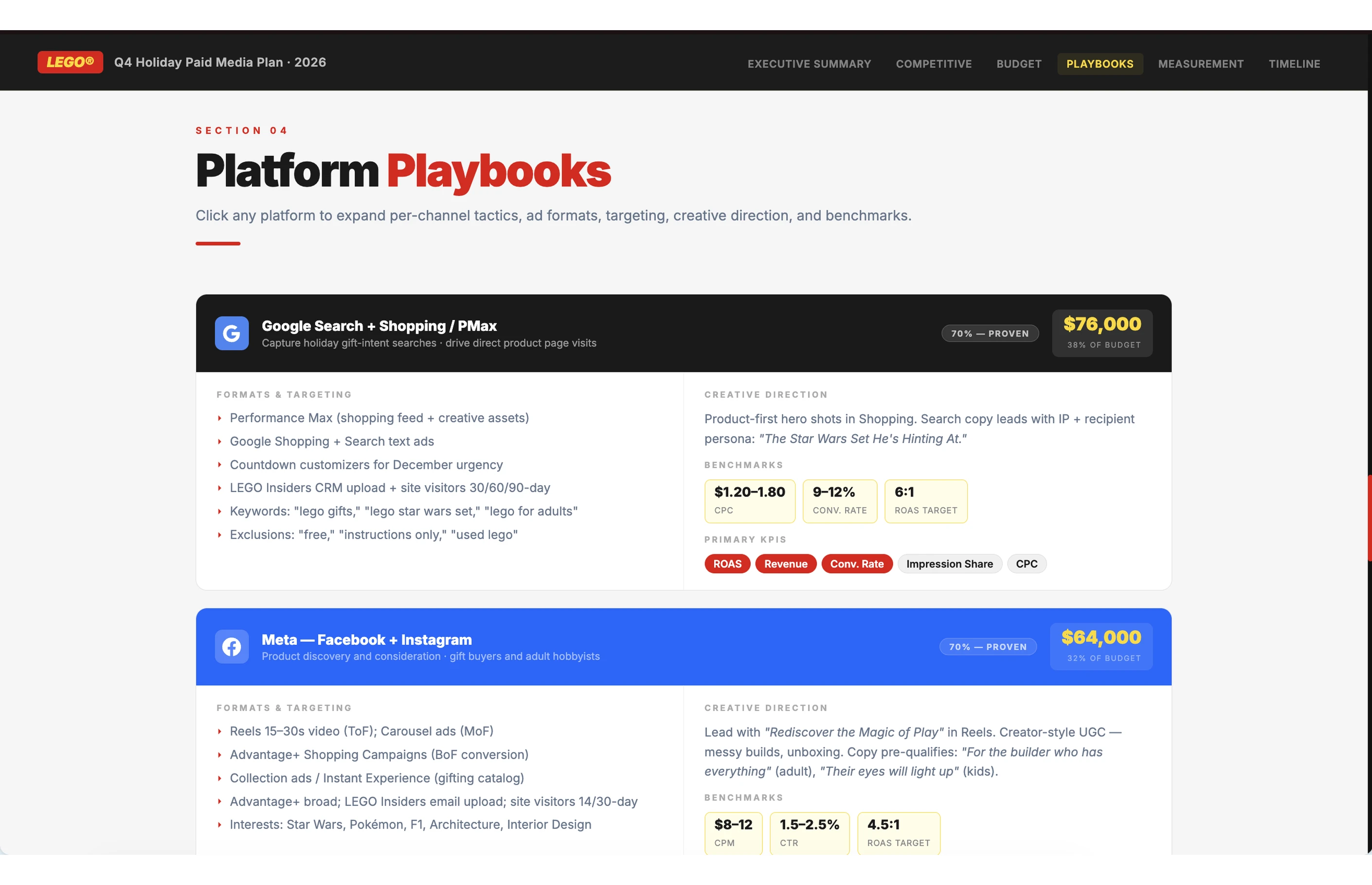
Plan budget across marketing channels, with scenario modeling and a roadmap to follow.
Plan and allocate your marketing budget
Budget planning usually means juggling channels, goals, and a number that has to work — all at once. This flow helps your team work through it step by step.
Edit the sample values below to match your situation, or hit "Try it" and adjust as you go.
Plan and allocate your marketing budget
Help me plan and allocate my marketing budget for Q2 2025. My total budget is $50,000, my business is a B2B SaaS company in the project management space, and my main goals are generating 200 qualified leads and improving marketing ROI to 5:1.
Start by asking me about my current channel mix, what's worked so far, and any constraints I have.
Then deliver: (1) an executive summary with key recommendations, (2) a budget allocation table by channel with amounts and percentages, (3) three scenario models (best/base/worst case), (4) a sensitivity analysis on key variables, and (5) a month-by-month implementation roadmap.
What you'll get
A budget breakdown with specific dollar amounts per channel and the reasoning behind each allocation. Three scenario models (best, base, and worst case) so the team can plan for different outcomes. An analysis of which variables matter most to your results. And a month-by-month roadmap with milestones — so everyone's aligned on what's happening and when.
Keep refining your plan
Once you have your budget plan, these prompts help you take it further. Use any of them in the same conversation — the full context of your plan carries over.
Rebalance for a budget change
Budgets shift. Leadership changes the number, a new opportunity comes up, or something needs to be reallocated mid-quarter. This prompt adjusts the full plan to a new budget and flags what to scale back.
Rebalance for a budget change
Our total marketing budget just changed to $35,000 for the quarter. Rebalance the channel allocation to hit the same goals with the reduced budget, and flag any channels we should pause or scale back.
Run a what-if analysis
It's helpful to know how the plan holds up if something changes — like ad costs going up or a channel performing differently than expected. This lets you test a specific variable and see how it affects the rest of the allocation.
Run a what-if analysis
What happens to our overall plan if Google Ads CPC increases by 25%? Show me how to reallocate budget to maintain our lead targets, and suggest alternative channels to absorb the spend.
Create a weekly pacing guide
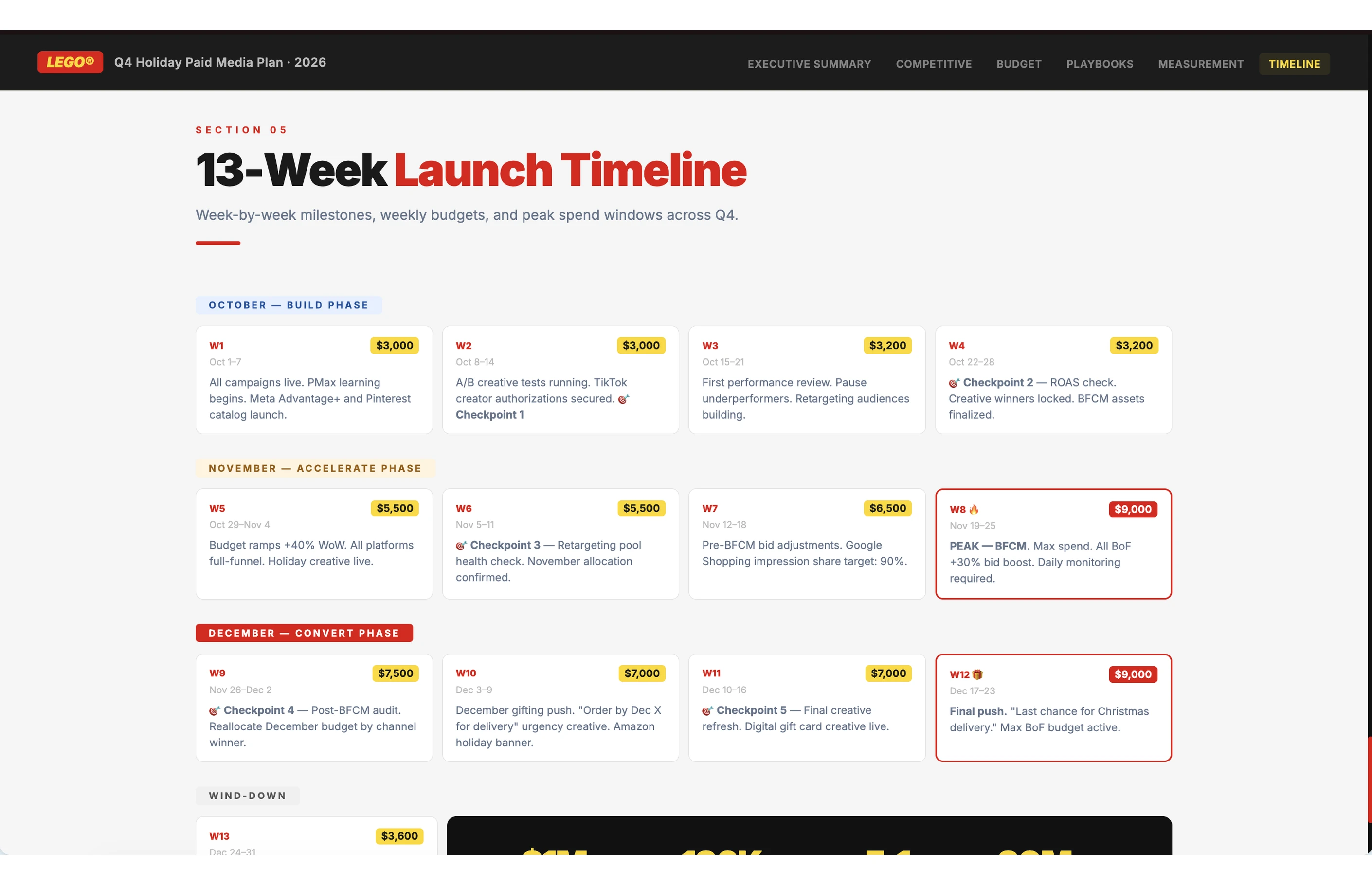
A quarterly plan sets the direction, but the team also needs to know what to do week by week. This breaks the budget down into a weekly spending guide with checkpoints, so it's easier to track progress and adjust along the way.
Create a weekly pacing guide
Break down our Q2 budget plan into a weekly pacing guide. Include spend targets per channel each week, key milestones to check progress, and triggers for when we should shift budget between channels.
Tips for better results
Add new performance data regularly: As you add new performance data each month, the AI refines its recommendations based on what's actually working for your business.
Include competitor spending data: If you have insights into competitor budget allocation, add this to Project knowledge for more strategic recommendations.
Specify your constraints: Tell the AI about any budget restrictions, required minimum spends, or contractual commitments that should be factored into allocations.
Test different goal combinations: Run multiple scenarios with different goal priorities to see how budget allocation shifts when you emphasize revenue vs. customer acquisition vs. market share.
Document your assumptions: Add notes about market conditions, seasonal factors, or upcoming initiatives that should inform budget decisions.
Margarita Arsova
Product marketing @ Juma
Margarita combines marketing expertise with product knowledge to help teams use AI effectively. She focuses on practical applications of AI in marketing, showing companies how to boost productivity while addressing common implementation challenges.
Do it with Juma
Click "Try it" on any prompt to get real results
Thank you! Your submission has been received!
Oops! Something went wrong while submitting the form.
Do it with Juma
Click "Try it" on any prompt to get real results
Thank you! Your submission has been received!
Oops! Something went wrong while submitting the form.