

This is step [1/4] of setting up Azure OpenAI Service in your Juma (formerly Team-GPT) account. You can see the full guide here - How to Setup Microsoft Azure OpenAI Service.
Ever heard of Microsoft Azure? It's a big cloud service where you can do lots of cool things online. One of those cool things is the Azure OpenAI Service, which lets you use smart computer programs.
In this guide, we'll show you easy steps to make an Azure account and start using the OpenAI Service. Let's get started!
- Go to https://azure.microsoft.com/en-us/free/ai-services
- Choose
Pay as you go

- Click
Get started

- Create an account or log in to your existing one
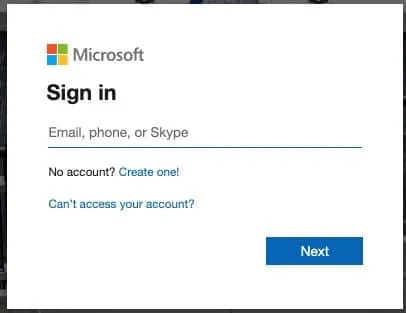
- Enter your personal details
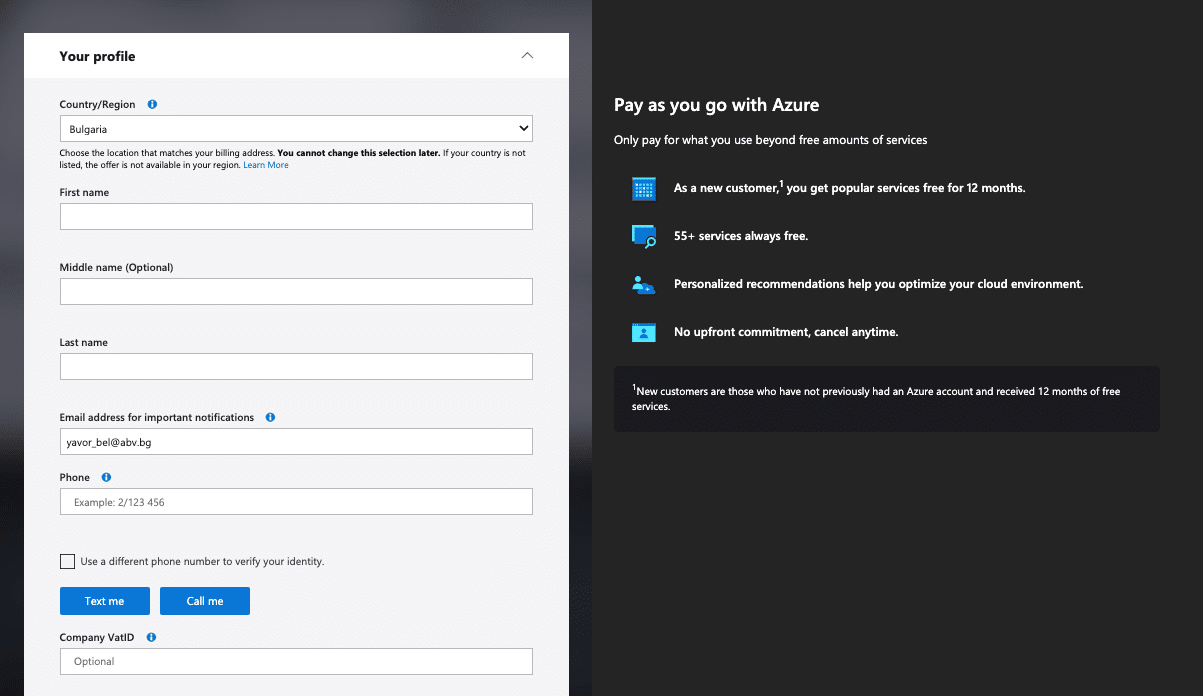
- Enter your payment information
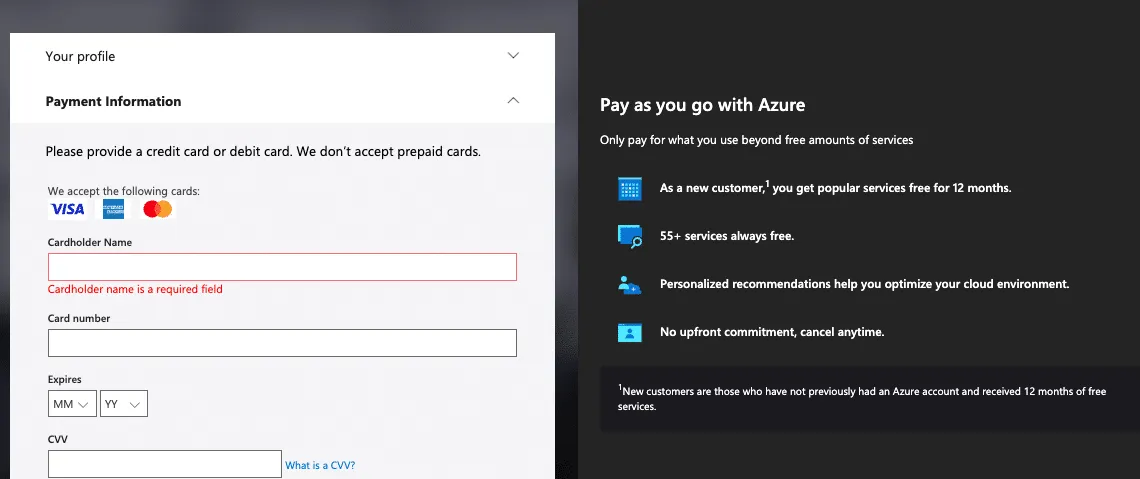
- Choose
No technical supportat the last step of creating thePay as you go with Azure
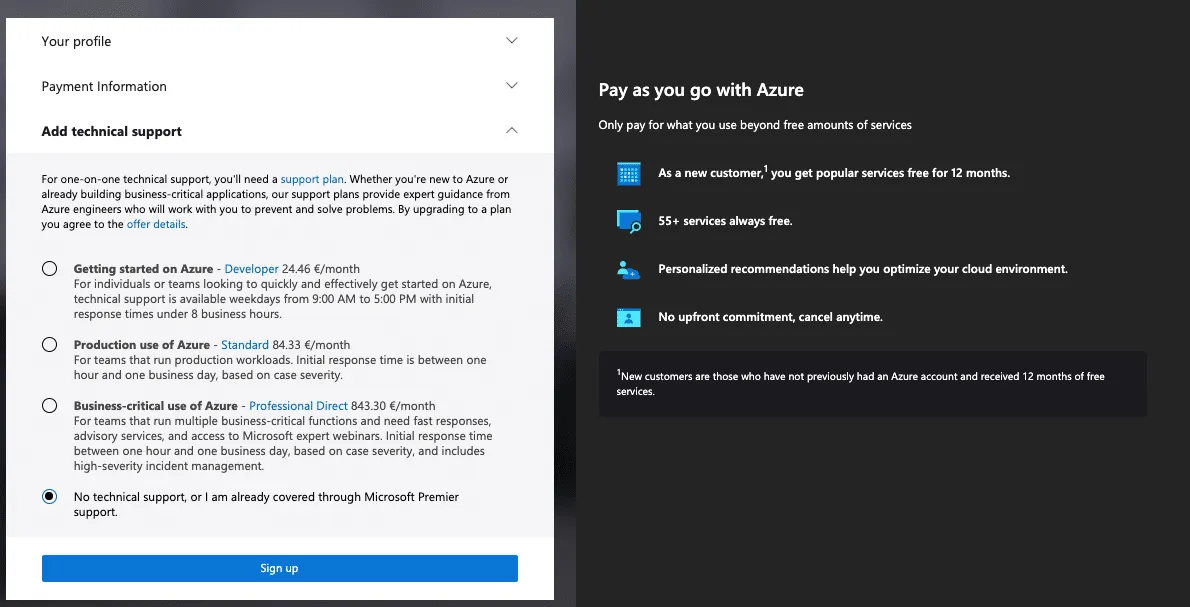
- You can now close this tab as you will probably get a
404 Page not found. This is because there is a waitlist for theAzure OpenAI Servicecurrently.
Once you are set up, continue with Getting access to Azure OpenAI Service.
LinkedIn Carousels

Competitor Analysis

GEO Optimized Articles

Google Analytics Reports


%20(1).webp)



Private cloud deployment - AWS, Azure, GCP
SSO / SAML + platform administration
Security review support + DPA
Custom contract & SLA
Dedicated account manager & priority onboarding
Invoicing + custom billing terms
