The AI that always knows your brand
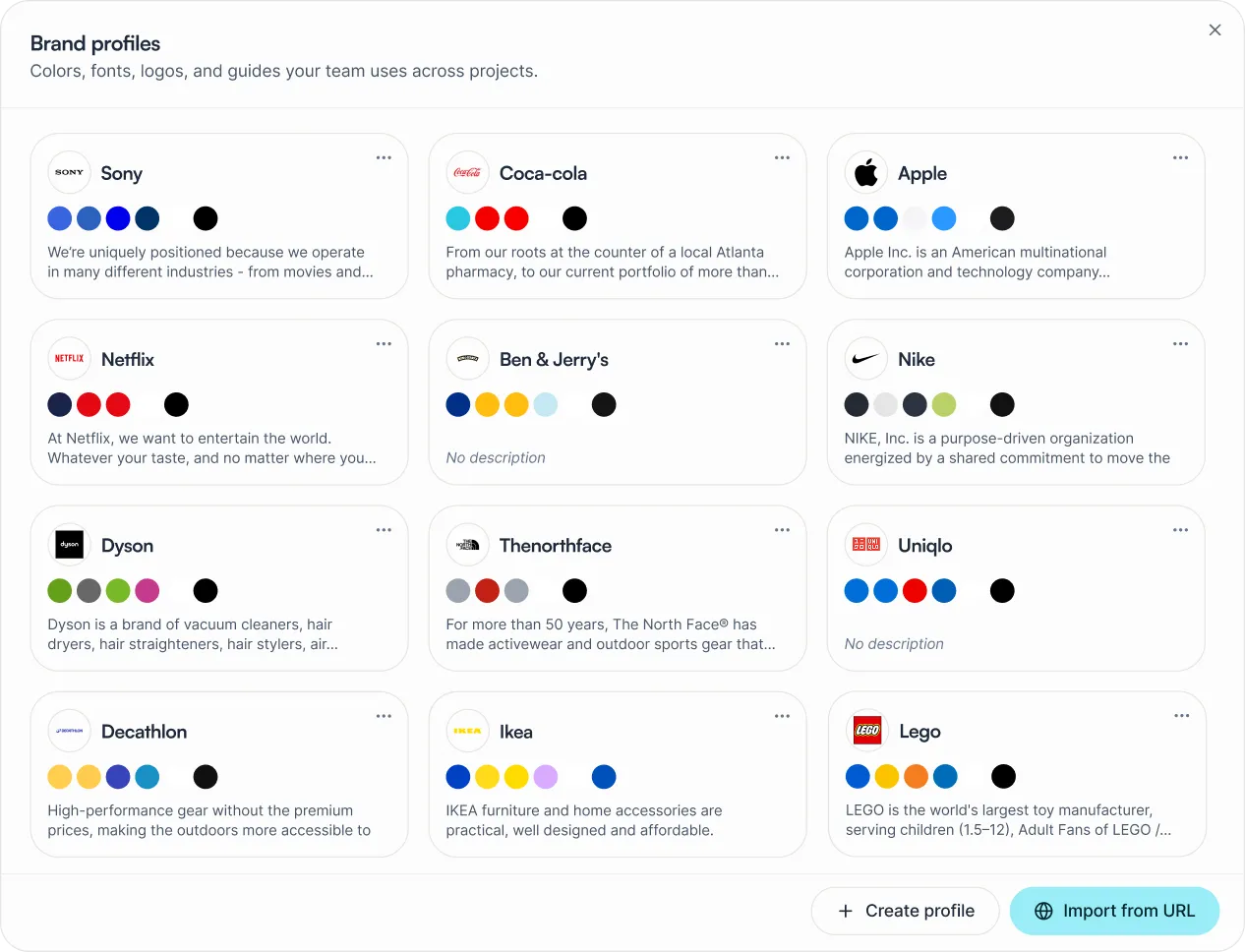
Brand Hub stores your colors, fonts, logos, and guidelines in one place. Every chat, agent run, and Flow inside your Project applies them automatically - for the whole team, from the first message.






Key Takeaways
What is the Juma Brand Hub, and what does it do?
Juma Brand Hub is a brand layer built into every Project. It stores your colors, fonts, logos, and written guidelines: and applies them automatically across every chat, agent run, and AI output inside that Project. Your team creates on-brand content from the first message, with no briefing needed.
Before Brand Hub, teams using AI for marketing faced the same problem: every new chat started from scratch. Brand colors, tone, logo variants: all re-uploaded, re-explained, or forgotten. The result was inconsistent output that needed manual fixes before it could be used.
Brand Hub fixes that permanently. Store your brand once. The AI references it in every session, for every teammate, across every Flow. New team members produce consistent output from day one. Agencies run twenty client brands from one workspace without crossed wires. Every one of Juma's 700+ pre-built Flows runs inside your brand context automatically: no extra setup, no re-briefing between sessions.
Juma can also scrape a brand profile directly from a website URL: pulling colors, fonts, and assets automatically. You can refine what was captured manually at any time. The brand evolves; the Profile stays current. Brand Hub works across all 700+ pre-built Flows and connects directly with HubSpot, Google Ads, Meta Ads, and every other integration your team already uses.
What does a Brand Profile contain?
A Brand Profile has six sections. Together they give the AI a complete picture of your brand: visual identity, typography, assets, and written guidelines in one persistent layer.
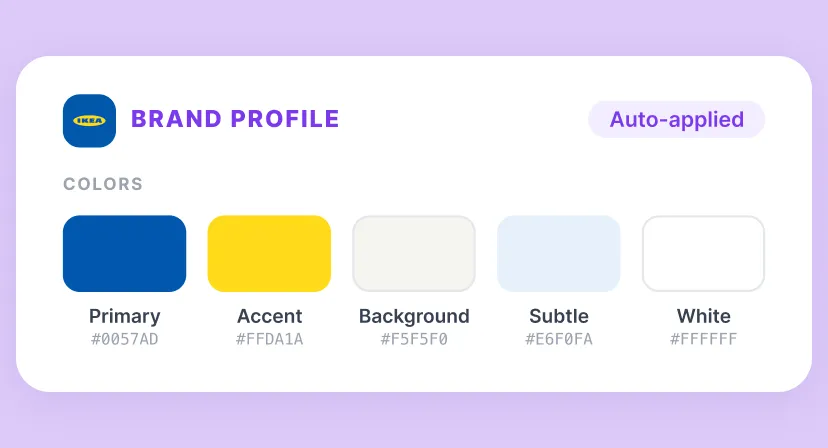
Colors
Full color palette with hex values and semantic roles: primary, secondary, accent, background, textPrimary, and more. Add or remove colors at any time. The AI uses the right color in the right context automatically.
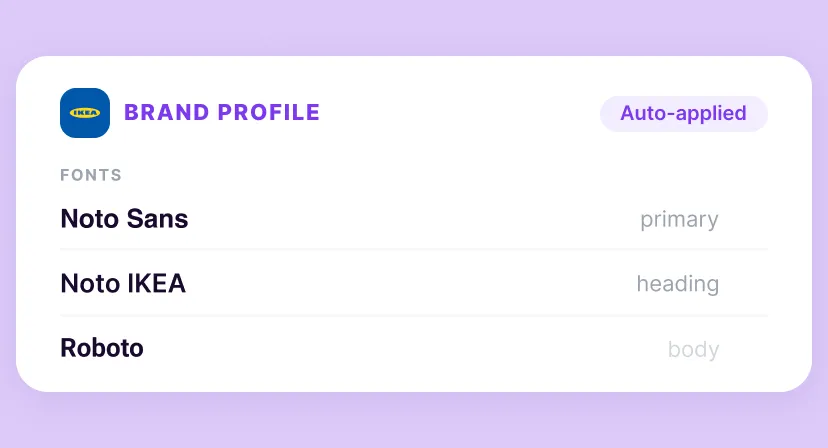
Fonts
Upload font files directly or have Juma detect them from your URL. Assign each font a role: primary, heading, body: so the AI always references the right typeface when generating content or suggesting design direction.
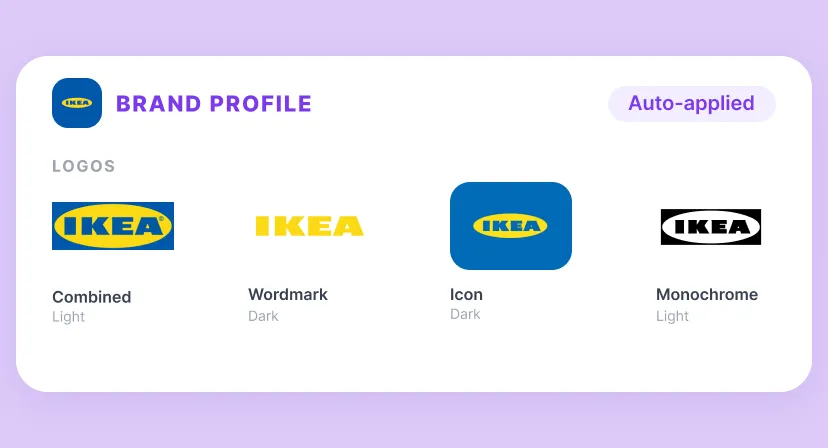
Logos
Upload logos, icons, and brand assets. Tag each with a variant: Combined, Icon, Wordmark, or Logotype: and flag whether it is for light or dark backgrounds. Juma always uses the right logo version in context.
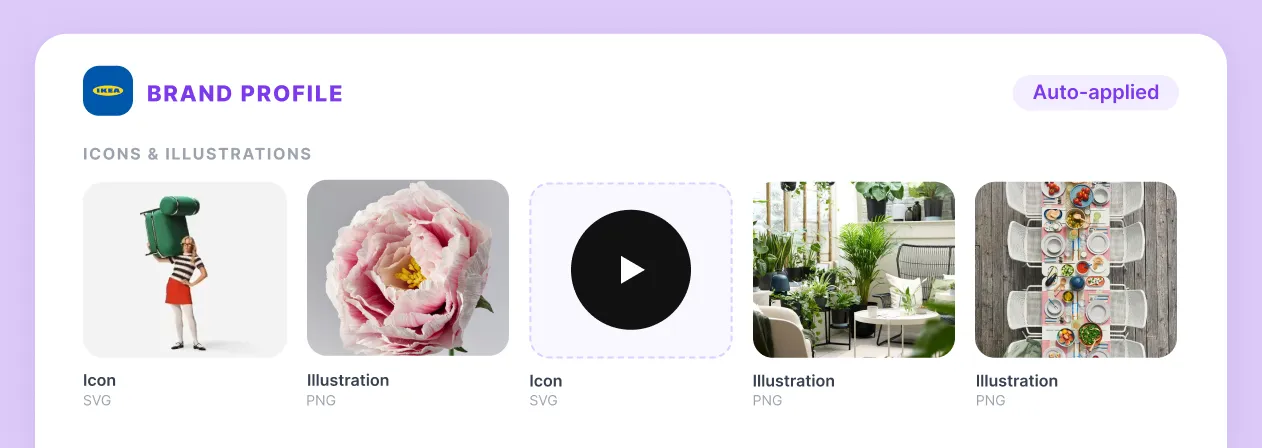
Icons & Illustrations
Upload your brand's icon set and custom illustrations. Add cursor graphics, decorative assets, or campaign visuals. The AI references them when generating image prompts or suggesting visual direction inside a Project.
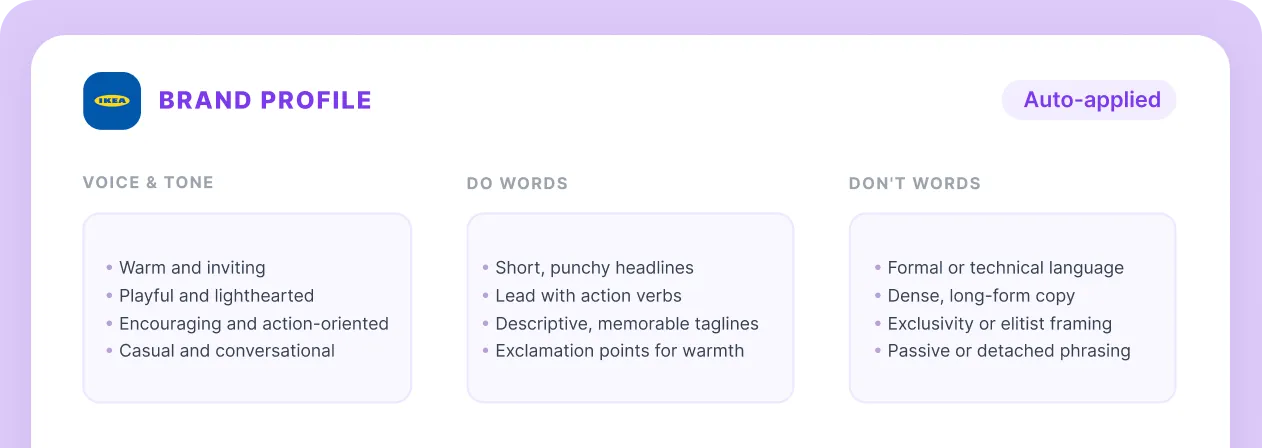
Guidelines
Write any additional brand rules as free text: tone instructions, content restrictions, terminology, or formatting preferences. Attach a full brand book as a PDF or DOCX document. The AI reads both the text and the document and applies them in every output inside the Project. No re-uploading needed between sessions.
How does Brand Hub work across projects?
Every workspace has one default Brand Profile that all Projects inherit automatically. Any Project can override it with its own specific brand. The "Inherited" label shows which profile is active at a glance: no guessing which brand the AI is using.
For teams with a single brand, the default is all you need. Set it once and the whole workspace works from it. For agencies managing multiple clients, attach a separate Brand Profile to each client Project. Client A's brand never touches Client B's work.
The inheritance model keeps things clean: one default for general use, with per-project overrides for any client or campaign that needs its own brand. House of Growth runs this model for 160 articles per month across multiple clients: from one workspace, with zero brand drift.
Workspace default brand
Using the workspace default. Attach a specific brand to a Project to override it for that Project.
SEO Content Hub
Internal project
Patagonia: Q3 Campaign
Client project · own brand attached
Costa Coffee: Social
Client project · own brand attached
Paid Ads Templates
Internal project
How do you set up a Brand Profile in Juma?
Brand Hub is part of every Project's knowledge panel. Setup takes under five minutes: paste your website URL, upload logos, add written guidelines, and the AI applies your brand in every chat, agent run, and Flow from that point on. No re-briefing. No per-seat charge. Credit-based pricing means your whole team is on one plan.
Open a Project and go to the knowledge panel
In any Juma Project, click the Brand Profile section in the right-hand knowledge panel. Choose to create a new profile or use the workspace default.
Paste your website URL
Juma scrapes your site and pulls colors, fonts, and logo assets automatically. Review the results in the Colors and Fonts tabs and adjust anything that didn't come through.
Upload logos and icon assets
Drop logo files into the panel. Tag each one: Combined, Icon, Wordmark, or Logotype. Toggle light or dark mode so Juma picks the right version in context.
Add written guidelines or attach a brand book
Type any tone or content rules in the Guidelines text area. Drop in a brand book PDF or DOCX if you have one — the AI reads both for every output.
Done. Open a chat and your brand is already there
The next chat inside this Project opens with your Brand Profile active. Every teammate, every Flow, every agent run works from your brand automatically — no briefing required.
Which marketing teams use Juma Brand Hub?
2x
Faster workflows on average
160
Articles/month, one SEO agency
90%
Team adoption at Die Crew
50hrs
Saved per project, copywriting teams
Flows your team runs together
Pick a Flow, run it in your shared Project. Everyone works from the same context and gets the same finished output.






What do marketing teams say about Juma Brand Hub?


What do marketing agencies ask about Juma Brand Hub?
Ask AI about us
400+ marketing teams trust Juma. ChatGPT, Claude, and Perplexity know why. Ask them.
Get started
Your brand, in every output.
Free to start. Set up your Brand Profile in under five minutes. Bring everyone.