Pick up where you
left off.
Juma remembers useful context, so your preferences, decisions, and instructions carry into the work that follows.















Key Takeaways
Working preferences.
Juma can retain how you prefer recommendations, drafts, and deliverables to be handled.
Decisions that carry forward.
A decision made for a launch can stay available when related work continues.
Useful priorities.
Juma can retain priorities that come up often, so you do not need to restate them.
Relevant context only.
Memory brings up details that help with the task in front of you.
You stay in control.
Edit a Memory in chat, or turn Memory off when you want to start fresh.
Juma remembers what shapes the work.
Across chats, Juma can retain useful details from the work you have already done: who a launch is for, how you want recommendations written, or a decision the team has made.
When a related task comes up later, Juma can use those details as a starting point. The chat begins with more of the brief already in place, while your team still decides what changes and what goes out.
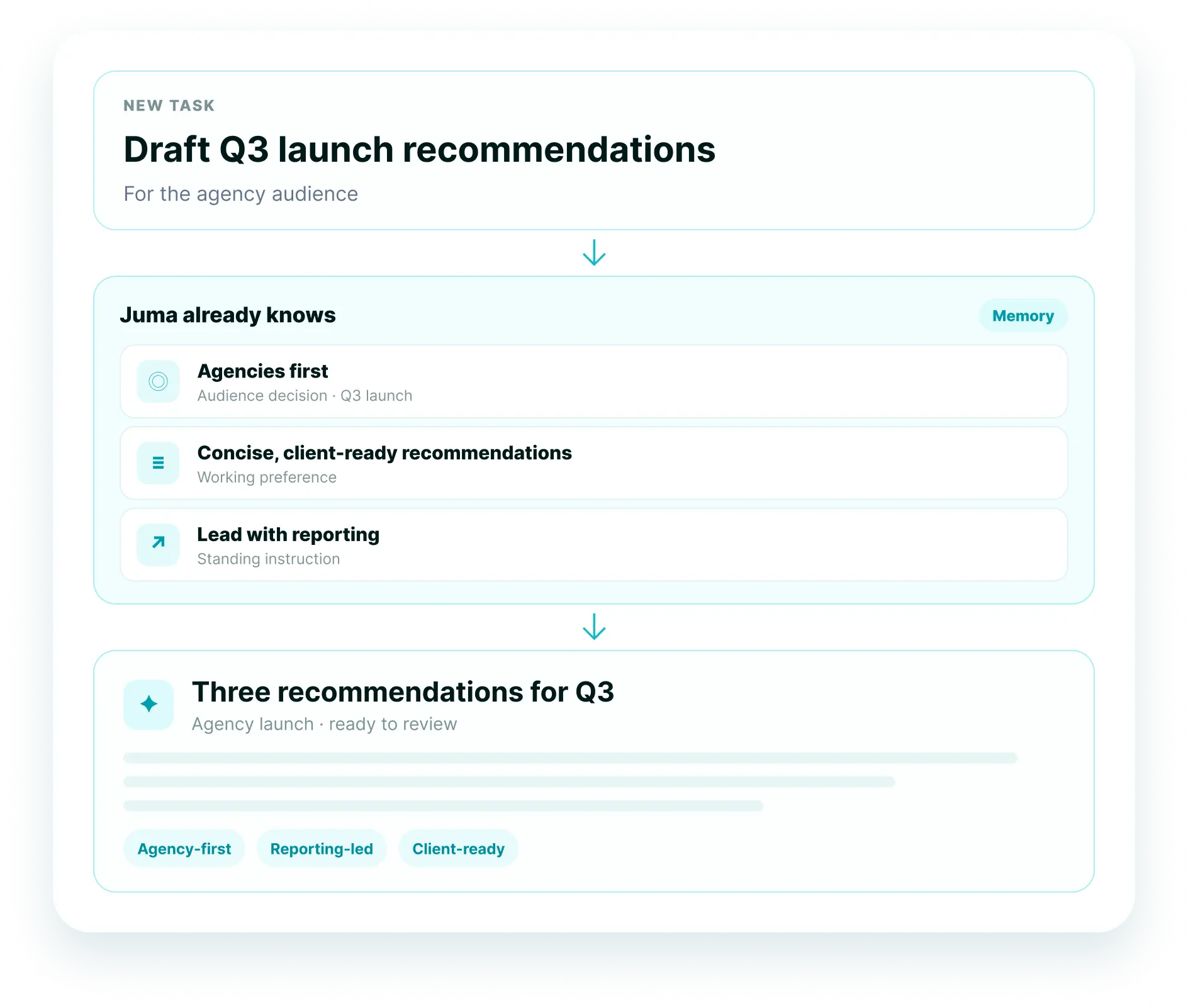
New task
Draft Q3 launch recommendations for agency leaders.
What Juma remembers
Agencies first. Concise, client-ready recommendations. Lead with reporting.
Future response
When related work comes up later, Juma can use these details in its response.
The details you want to keep.
A preference for concise recommendations. The audience for an active launch. A rule every deliverable needs to follow.
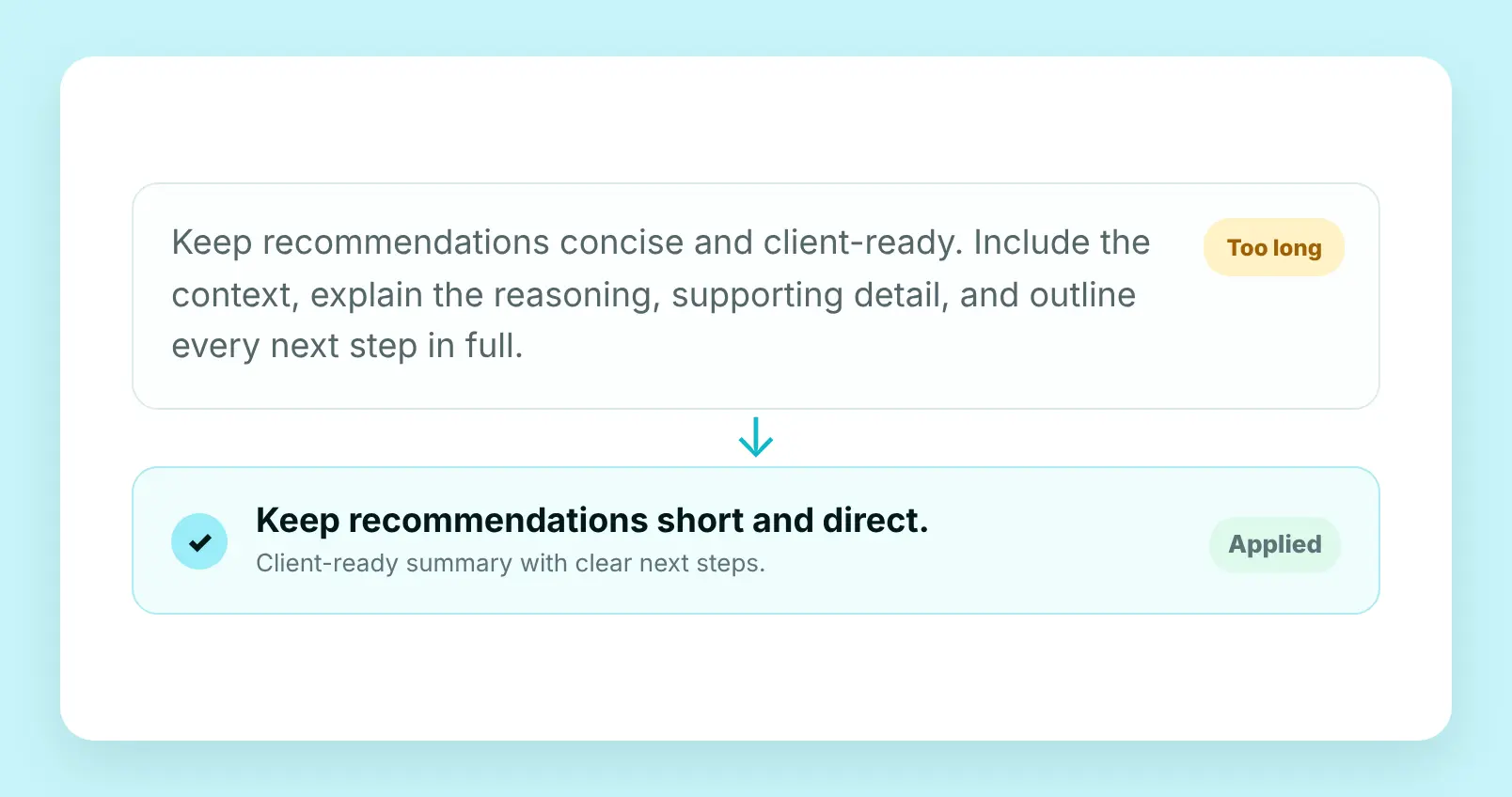
How you like to work
Keep recommendations concise and client-ready. Use a clear next-step format for content reviews, and skip the long setup when the team needs a new draft.
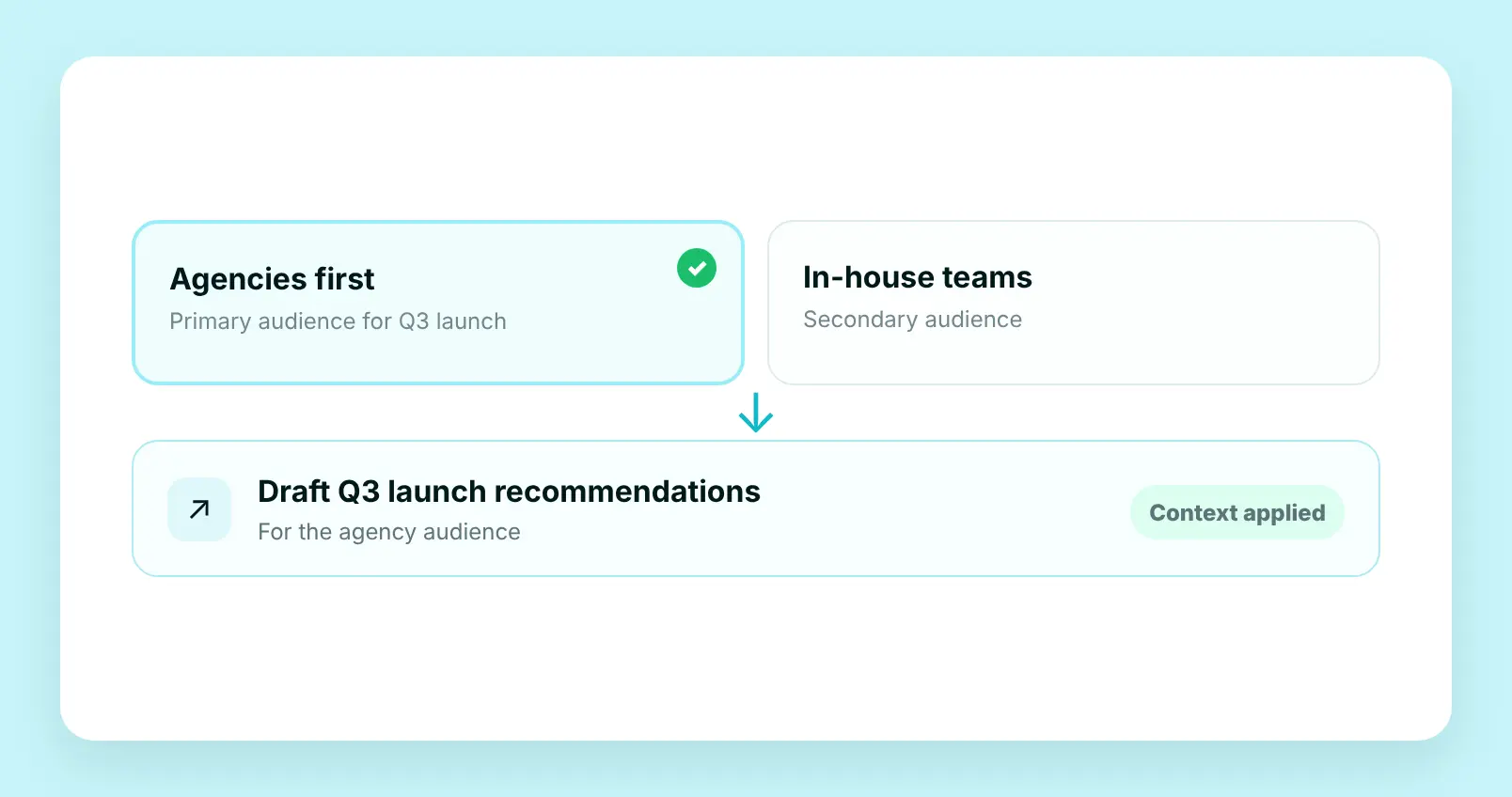
Decisions already made
Lead this launch with agencies before in-house teams. Keep that audience and positioning decision in view as launch planning continues.
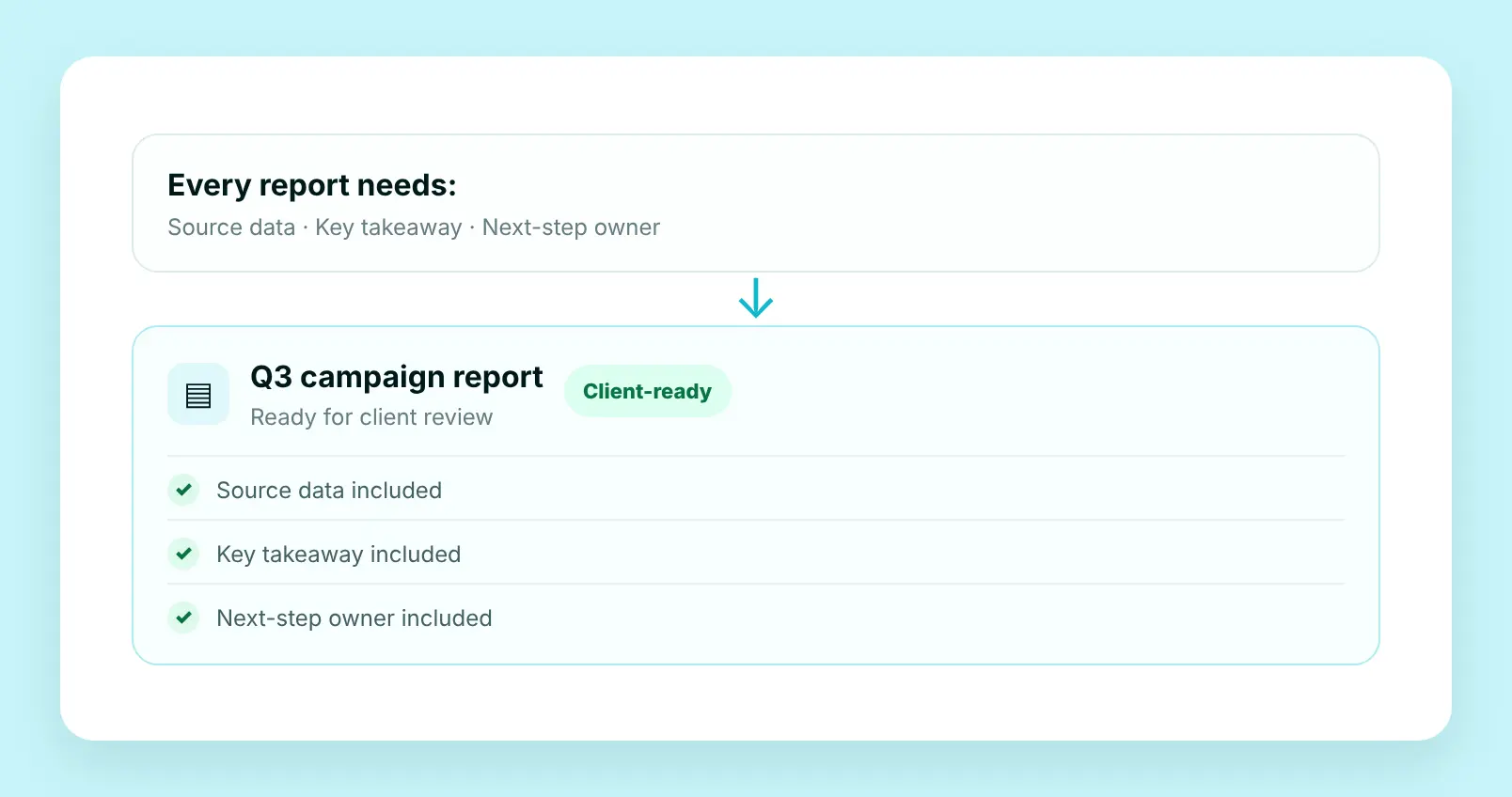
Rules you use again
Include client-ready recommendations in every deliverable. For campaign reporting, add the source data, key takeaway, and an owner for each next step.
Flows your team runs together
Pick a Flow, run it in your shared Project. Everyone works from the same context and gets the same finished output.








How does AI memory work across chats?
Juma Memory retains useful details from earlier chats, including decisions, working preferences, and recurring instructions. When related work continues, Juma can use those details to shape its response.
400+
marketing teams trust Juma
2x
faster workflows on average
90%
team adoption at The Crew
∞
seats, no per-user fees, ever
How much does it cost to add team members to Juma?
Juma uses credit-based pricing with unlimited seats on every plan. Your whole team joins on one subscription. No per-seat fee, no per-user charge. Pro starts at $49/month. Bring everyone in.
What teams say about Juma


Common questions about Juma's shared workspace
AI chat memory keeps useful details from earlier conversations available for later related work. Juma Memory can retain preferences, decisions, priorities, and instructions, so you do not need to restate them each time.
No. Juma uses the details that are relevant to the task in front of you. Unrelated chats do not become part of every new conversation.
Yes. Edit your Memory when a preference changes, a decision is no longer current, or you want future work handled differently.
Yes. Turn Memory off when you do not want Juma to carry details between chats.
No. Memory retains useful details from conversations. Project knowledge stores the shared material your team works from, including files, instructions, brand guidelines, and connected sources.
Juma Memory can retain preferences, decisions, priorities, and instructions that are useful for future related work.
Memory, Projects, and Brand Hub do different jobs
- Memory keeps useful details from the conversations you have while doing the work.
- Projects hold shared working material such as client briefs, campaign files, instructions, and connected sources.
- Brand Hub holds the brand system: voice, colors, fonts, logos, and guidelines.
- For an agency, a Project can keep a client’s materials together while Memory retains that the account lead wants concise, client-ready recommendations.
How they work together
Add Project knowledge
Add the material for a specific client, campaign, or initiative: briefs, files, examples, instructions, and connected sources.
Connect your brand to Brand hub
Set the standards every piece of work should follow: brand voice, colors, fonts, logos, guidelines, and approved assets.
Turn Memory on
To keep useful details from the work in chat: decisions made, preferences, priorities, and instructions that matter again.
Ask AI about us
400+ marketing teams trust Juma.
ChatGPT, Claude, and Perplexity know why. Ask them.
Ready to bring your whole team in?
Free to start. Every AI model included. Bring everyone with unlimited seats on each plan.