

See all release notes over here.
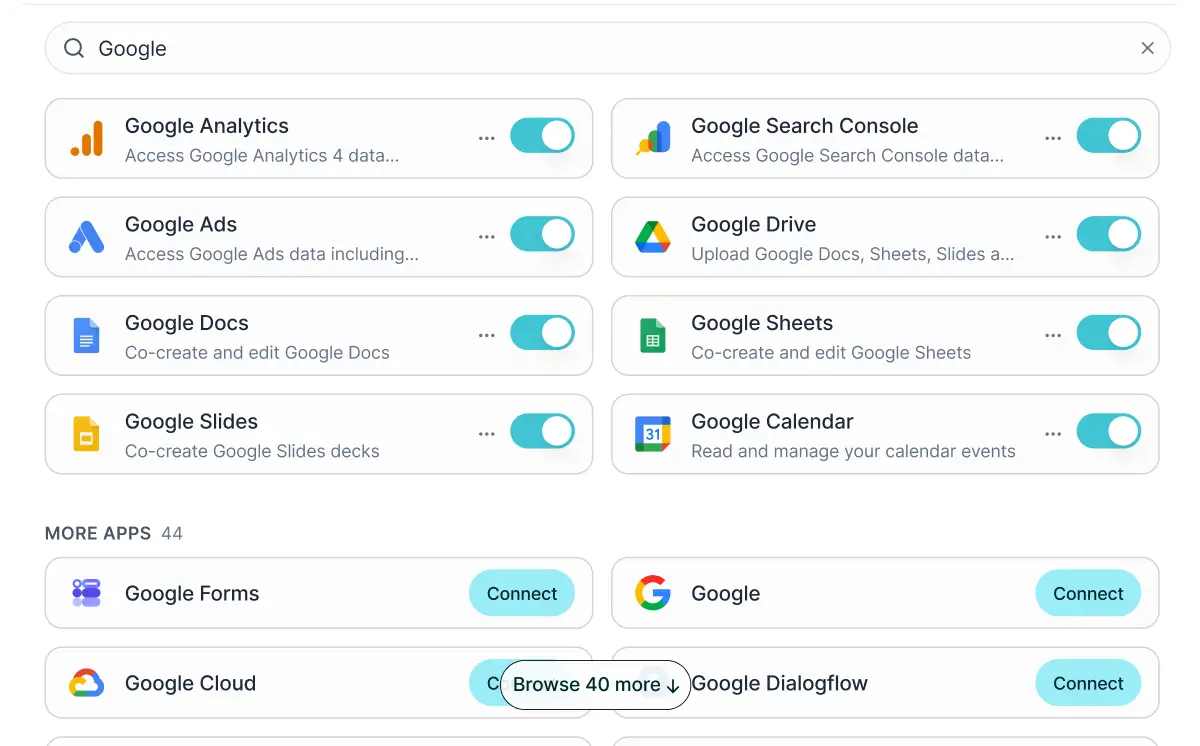
All Google apps are integrated with Juma
Calendar, Drive, Docs, Sheets, Slides, Ads, Analytics, Search Console, Gmail, Meet, and more, all in Juma. 52 Google integrations in total.
Pull a brief from Drive, write the copy, save it back to the client folder, and share it with the team, all in one chat. Check Search Console for top pages, pull traffic data from Analytics, and write a summary report in Docs. Pull last month's performance from Analytics and Ads, drop it into Sheets, and build a chart.
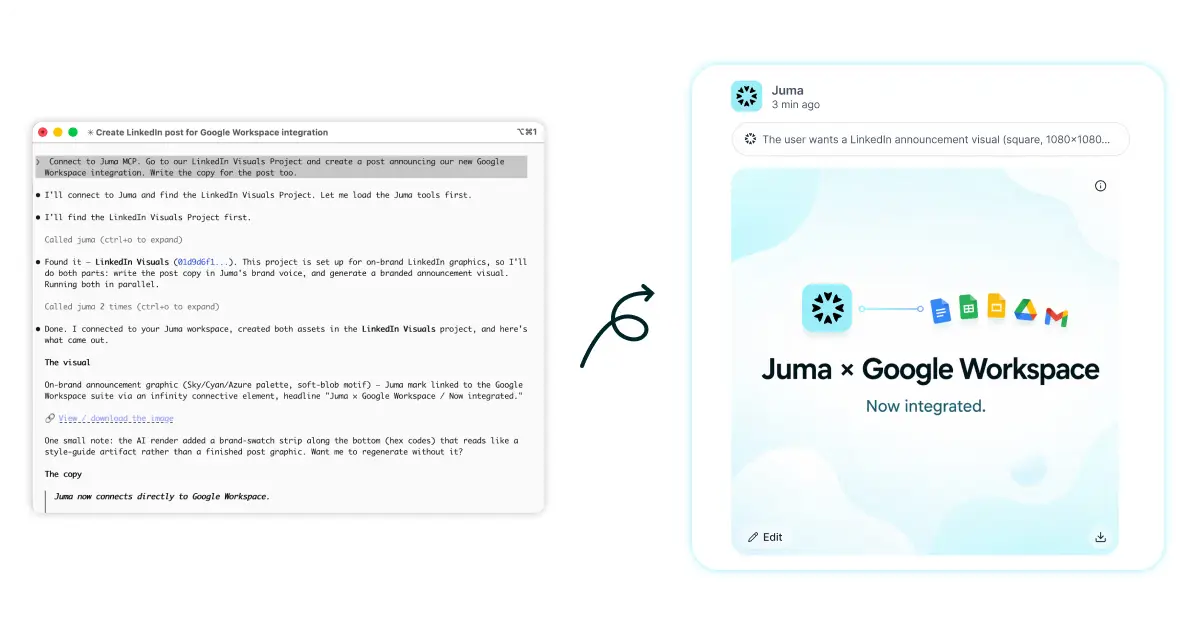
Juma MCP is live
You can now use Juma from Claude, Cursor, or any assistant that supports MCP.
Once you connect Juma as an MCP server, those tools can pull your brand profiles, search your project knowledge, reach your connected integrations, and read your past Juma chats as context, so you get the same quality output whether you're working in Juma directly or from another tool entirely.
Set up Juma MCP at juma.ai/mcp.
See who's viewing your deliverables
When you share a deliverable, you can now see exactly who's been visiting it. The analytics dialog gives you a live view of your visitors (totals, real-time updates, and a per-session drill-down) so you know not just how many people opened something, but how they engaged with it.
No more wondering whether that link ever got opened.
Check how visible your brand is to AI
Two new tools for anyone thinking about AI search: a GEO audit that scores a page on how well it's set up to be cited by AI answer engines, and a visibility check that shows how your brand actually shows up in ChatGPT, Perplexity, Google AI Overviews, and similar tools.
If you've been thinking about whether your content is AI-ready, this is where to start.
Embed your shared pages anywhere
Public share links can now be embedded directly on your website, blog, or landing page. So a deliverable you're proud of can live inside your site, not just behind a link.
PDFs got a lot better
We rebuilt how PDF deliverables look. Your brand colors and logo carry through properly, charts use your brand palette, and text contrast is adjusted automatically so labels stay readable on every background.
Flows got smarter
When you create a custom Flow, Juma now saves the output (files, images, whatever it produced) as examples for it. Next time you run it, it'll have real references to work from, and the results will be much more accurate. Especially useful for anything recurring: weekly reports, decks with a fixed structure, anything you run more than once.
Your most recently created Flows also show up in the chat shelf now, so you can jump back into them without digging through menus.
A few more things
Claude Sonnet 5 and Claude Opus are now available. Select either from the model picker.
.eml email files are now supported in your knowledge base. Drop in saved emails and Juma can read and work with them alongside everything else.
Plan credits roll over. Unused credits carry into the next billing period. No more use-it-or-lose-it.
Faster chat responses. Less waiting before the response starts coming in.
Reliability fixes. No more stalls on long tasks, smarter retries when something fails, Google Drive picker now refreshes properly before opening.
Jump into Juma and try the new features.
LinkedIn Carousels

Competitor Analysis

GEO Optimized Articles

Google Analytics Reports


%20(1).webp)



Private cloud deployment - AWS, Azure, GCP
SSO / SAML + platform administration
Security review support + DPA
Custom contract & SLA
Dedicated account manager & priority onboarding
Invoicing + custom billing terms