
See all release notes over here.
We shipped a lot across May and June. Here's everything that's new:
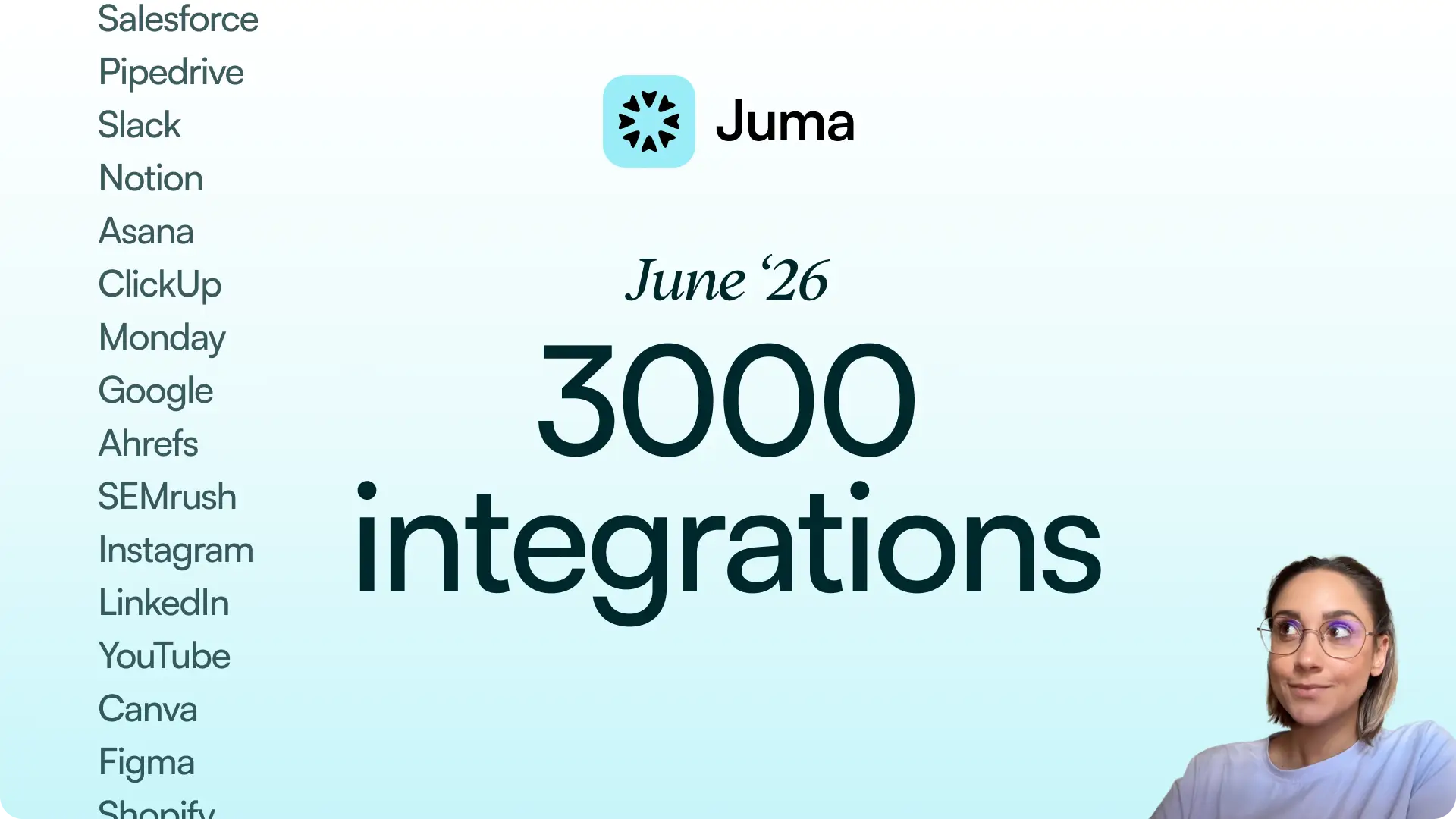
3,000+ integrations
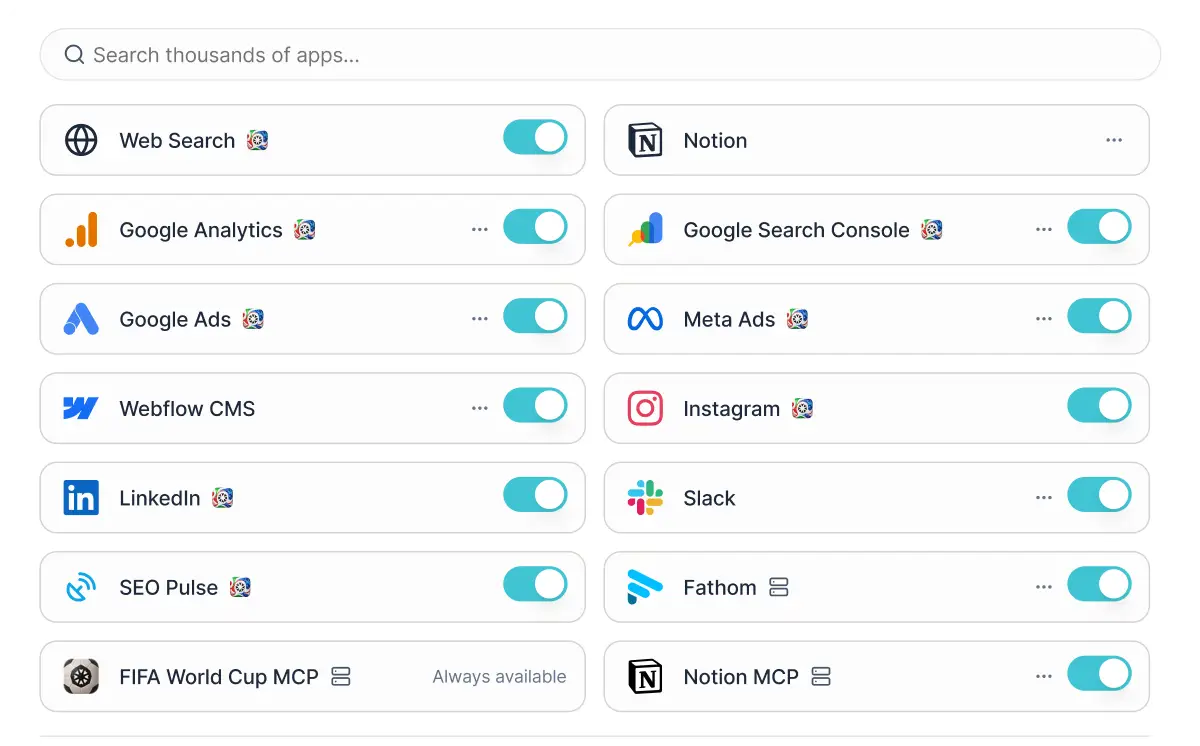
Juma now connects to more than 3,000 integrations. Your whole marketing stack (CRMs, design tools, project management, social platforms, email tools, meeting apps) is here.
Every integration works both ways. Pull data into the chat and work with it directly. Analyze it, report on it, build content around it. Then push things back out: create a post, update a record, send a Slack message, publish to your CMS.
Find everything under the + button in the chat input, or in the Integrations tab in the sidebar. Integrations that need re-authentication are sorted to the top so you spot them straight away. And if a tool isn't listed, you can request it from the same menu.
Custom Flows
Flows are multi-step workflows Juma runs end to end and hands you a finished output. Custom Flows let you build your own.
Run any task in Juma and get an output worth keeping (a report, a content batch, a brief). Save it as a Custom Flow. Anyone on your team can trigger it in one click from that point on. The process stops living in one person's chat history and belongs to the whole team.
When you save a Custom Flow, you can edit the name, description, and first prompt. Set it to "direct" if you want Juma to ask your team guiding questions before it starts (which platform? what time range?) or use "plan" execution, where Juma maps out the steps and runs them one by one. You can add phases, refine instructions, and attach examples or past deliverables for the AI to reference. Flows can also learn from your saved knowledge items, so the output matches the way your team likes things done.
Custom Flows run on Juma's Super Agent, which handles multi-step work across your workspace, so they're available on usage-based plans only. On a legacy Growth plan and want access? Reach out at humans@juma.ai.

Image generation
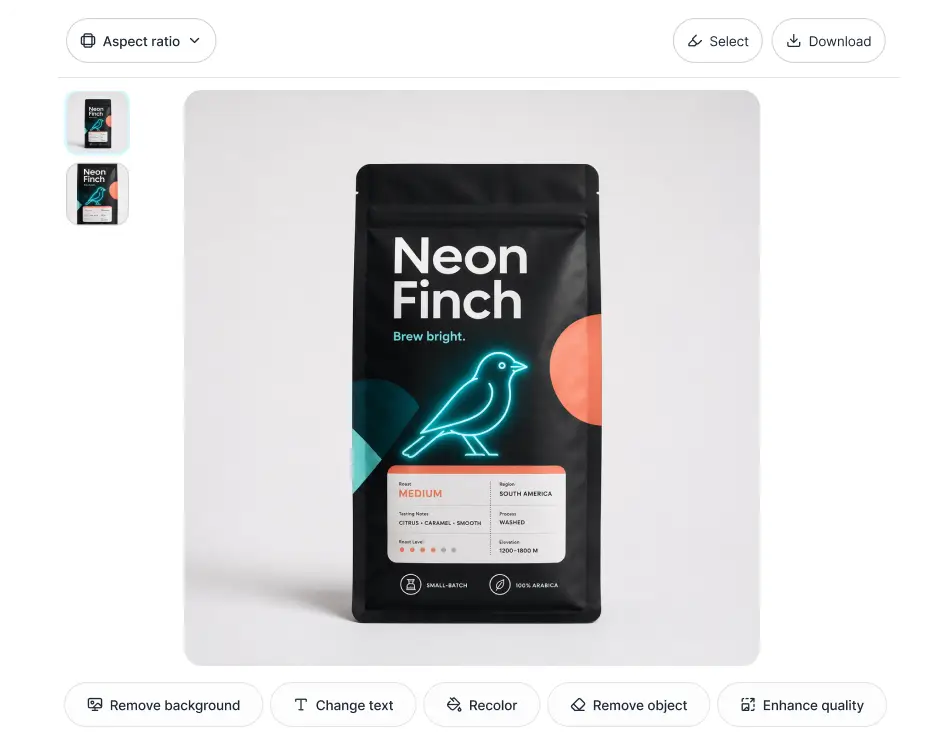
ChatGPT's latest image generation is in Juma. And we reworked a lot of how image generation works underneath.
Juma searches across all available models and picks the right one for the job automatically. You'll see which model it chose and the prompt it used.
Hit Edit on any image and you get a full editing panel: remove the background, recolor, remove an object, change text, or enhance quality.
Sizing for social is built in. Pick your platform and the right format applies. 1:1 for Instagram and Facebook, 4:5 for Instagram and LinkedIn, 9:16 for Stories and YouTube, 16:9 for YouTube and LinkedIn.
Conversations and context
Longer, smarter sessions
We reworked how Juma handles context in long conversations. The AI manages it more efficiently: the same work costs fewer credits, responses come back faster, and chats can run longer before losing the thread.
Smoother scrolling
Fixed a hiccup where scrolling through a long conversation could cause the whole message list to re-render. Things feel noticeably snappier in lengthy threads.
Smarter command-hub search
Search in the command hub now uses a hybrid ranking system and searches the first prompt of every thread too. Threads you remember by their opening question are finally surfaced where they should be.
Grouped tool approvals
When the AI needs to run several tools at once, approval requests are grouped into one prompt instead of a flurry of individual ones.
Agents and knowledge
Search your chats and knowledge
Agents can now search across your chat history by name and by AI-generated summary, and pull from your knowledge items across projects, threads, and personal space. Ask "find that conversation where we planned the Q3 campaign" and you'll actually get it back.
Better support for large knowledge items
Search indexing keeps working smoothly even when documents push past the limits that used to trip things up.
Folder knowledge, right where you'd expect it
Manage folder-level knowledge directly from the project-knowledge section, without hunting for it in a separate spot.
Integration updates
Google Ads
25 new write actions are now available, including end-to-end search campaign creation in a single flow. Build and manage campaigns without switching between tools.
SEO Pulse
When something glitches, SEO Pulse will automatically retry, fall back to the right locale, and recover on its own. Fewer interruptions, far less manual retry work.
Meta Ads
When a permission issue (the #200 error) pops up, you'll now see a clear explanation of what went wrong and what to do about it.
Team controls
Per-teammate monthly credit limits
Workspace admins can set monthly credit caps per teammate, making it easier to keep usage in check without micromanaging.
Per-member cost analytics
Admins now have a per-member view of costs in the workspace dashboard, so it's clear where credits are going.
Cost nudge for expensive conversations
When a conversation starts getting pricey, teammates see a heads-up so they can decide whether to keep going or wrap up.
New Big Team M plan ($365)
A new mid-sized plan sits between existing tiers, giving growing teams a better-fitting option. (Usage-based plan only.)
And a few more things
Platform-level brand settings
Set your brand once at the platform level and it applies everywhere as a fallback. Nothing slips through unbranded.
Brand profiles in non-project chats
Pick a brand profile in any chat, not just project chats, and Juma keeps your tone and guidelines consistent wherever you're working.
HTML element picker in Sidekick
Point at any element in an HTML preview and pick it directly. No more describing in words what you want to change.
Notion is a full MCP integration
Notion replaced its old attachment-only flow with a proper MCP integration. Connect your workspace once and ask Juma to search pages, pull content, create new pages, and update existing ones.
Snappier tool connections
The authentication flow now only fetches what it needs when you click to connect. Less waiting, more responsive setup.
Upload .mjml files
Upload .mjml email template files directly into Juma for teams that build and iterate on email designs inside the platform.
Cleaner public sharing
When someone views a publicly shared thread, they no longer see the tool approval UI cluttering the conversation. It reads the way it's meant to.
Admin dashboard for tool usage
Workspace admins have a dedicated dashboard showing tool usage stats and any errors from connected tools.
Simpler integrations modal
The integrations browser is down to two tabs (All and Juma Official) so finding what you need takes less scrolling.
One more thing - we built a World Cup MCP ⚽
We built worldcupmcp.com, a live data source for the 2026 World Cup that plugs straight into AI agents. Live scores, every match since 1930, squad data, sponsor tiers, prize money. It refreshes every 20 seconds during matches.
It's already connected in Juma. Ask about the tournament and it pulls live data straight into your chat.
And GPT-5.5 is free to use in Juma for the whole tournament.
Jump into Juma and try the new features.
LinkedIn Carousels

Competitor Analysis

GEO Optimized Articles

Google Analytics Reports


%20(1).webp)



Private cloud deployment - AWS, Azure, GCP
SSO / SAML + platform administration
Security review support + DPA
Custom contract & SLA
Dedicated account manager & priority onboarding
Invoicing + custom billing terms