Set up your client project: team roster, plan template, and working cadence
A Juma Project is a shared space where the team keeps everything Juma needs to know about a client. Build one project per client and every plan Juma builds uses the same team, the same phase template, and the same working rules. Add these once and each new campaign starts from a plan that already fits how the team works.
What to add
Team Roster & Roles
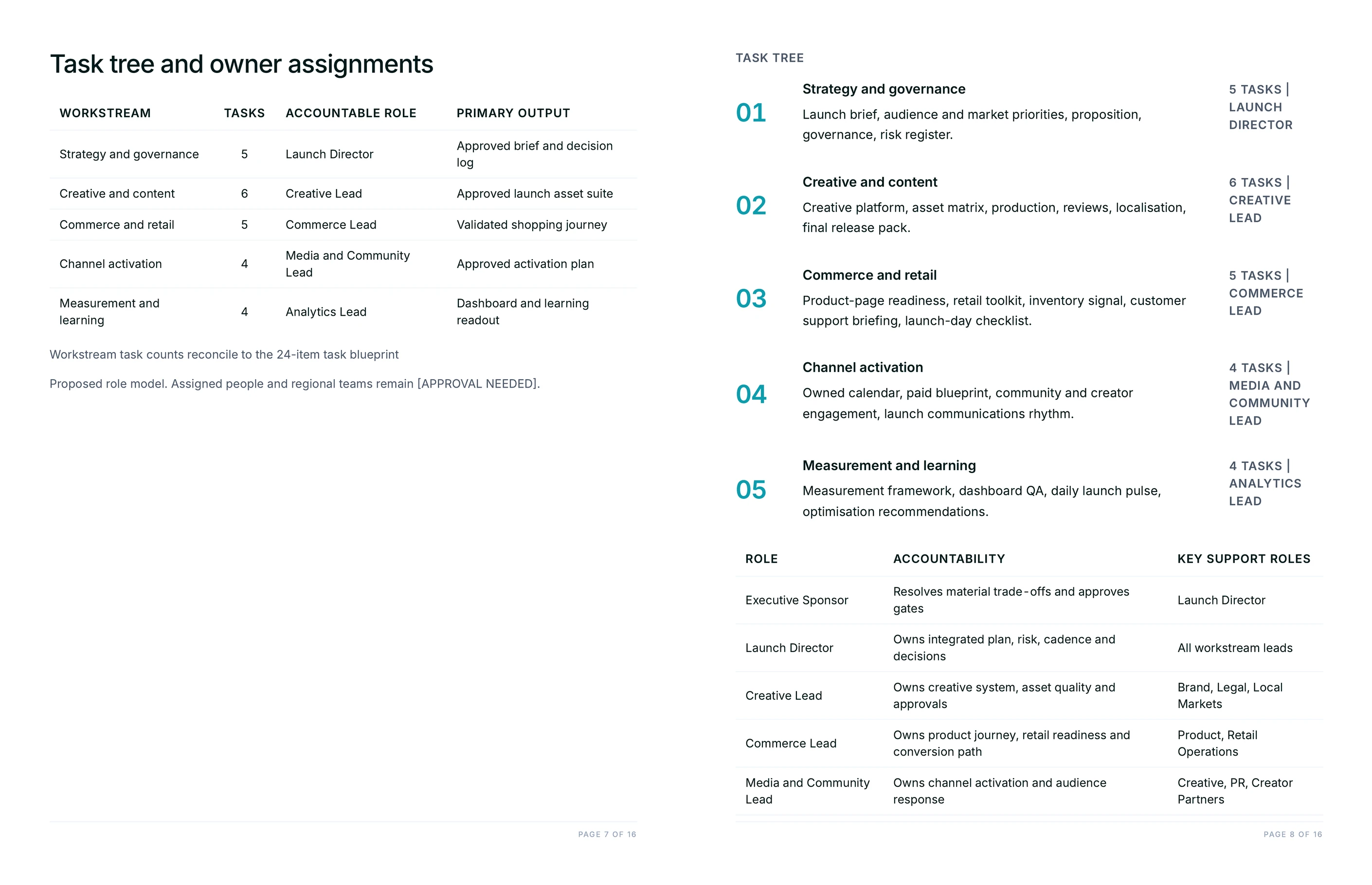
Who's on the account and what each person does. With this in the project, Juma assigns owners by role instead of leaving tasks unassigned, and the plan arrives ready to review rather than ready to staff.
Project Plan Template
The standard phases and task checklists the team uses for a campaign of this type. Juma follows the template so the plan matches how the agency actually delivers, then adapts it to the specific brief.
Working Cadence & Calendar
Working days, holidays, and how much lead time each stage needs. Juma back-times the plan around real availability, so the dates hold up instead of landing review deadlines on a public holiday.
Brand Voice Guide
How the agency writes to this client. Task names and the plan summary come out in the right voice, so the plan is ready to share with the client without a rewrite.
Guide Juma with project info
Add a short description to each knowledge item in the project's info field so Juma knows what each file is and when to use it. For example:
- Team Roster & Roles: "Who's on the account and their role. Use to assign task owners."
- Project Plan Template: "Our standard campaign phases and checklists. Follow this structure, then adapt to the brief."
- Working Cadence & Calendar: "Working days, holidays, and stage lead times. Back-time the plan around these."
- Brand Voice Guide: "How we write to this client. Apply to task names and the plan summary."
Go from brief to a board full of tasks in minutes
Frequently Asked Questions
How much time does this Flow save compared to planning a campaign by hand?
Building a full campaign plan by hand takes half a day: breaking the brief into phases, writing out every task, back-timing dates from the launch, mapping dependencies, then copying it all into the board card by card. Juma returns the structured plan in minutes and sets up the board in one confirmation step. On a ten-week, multi-track campaign that's most of a working day recovered per kickoff.
The bigger gain is consistency. Every plan follows the same phase template and gets the same dependency check, so a plan built under deadline pressure is as thorough as one built with time to spare. Strategy and judgment stay human: the team reviews the plan, adjusts owners and dates, and approves it before anything lands on the board.
What's in the project plan?
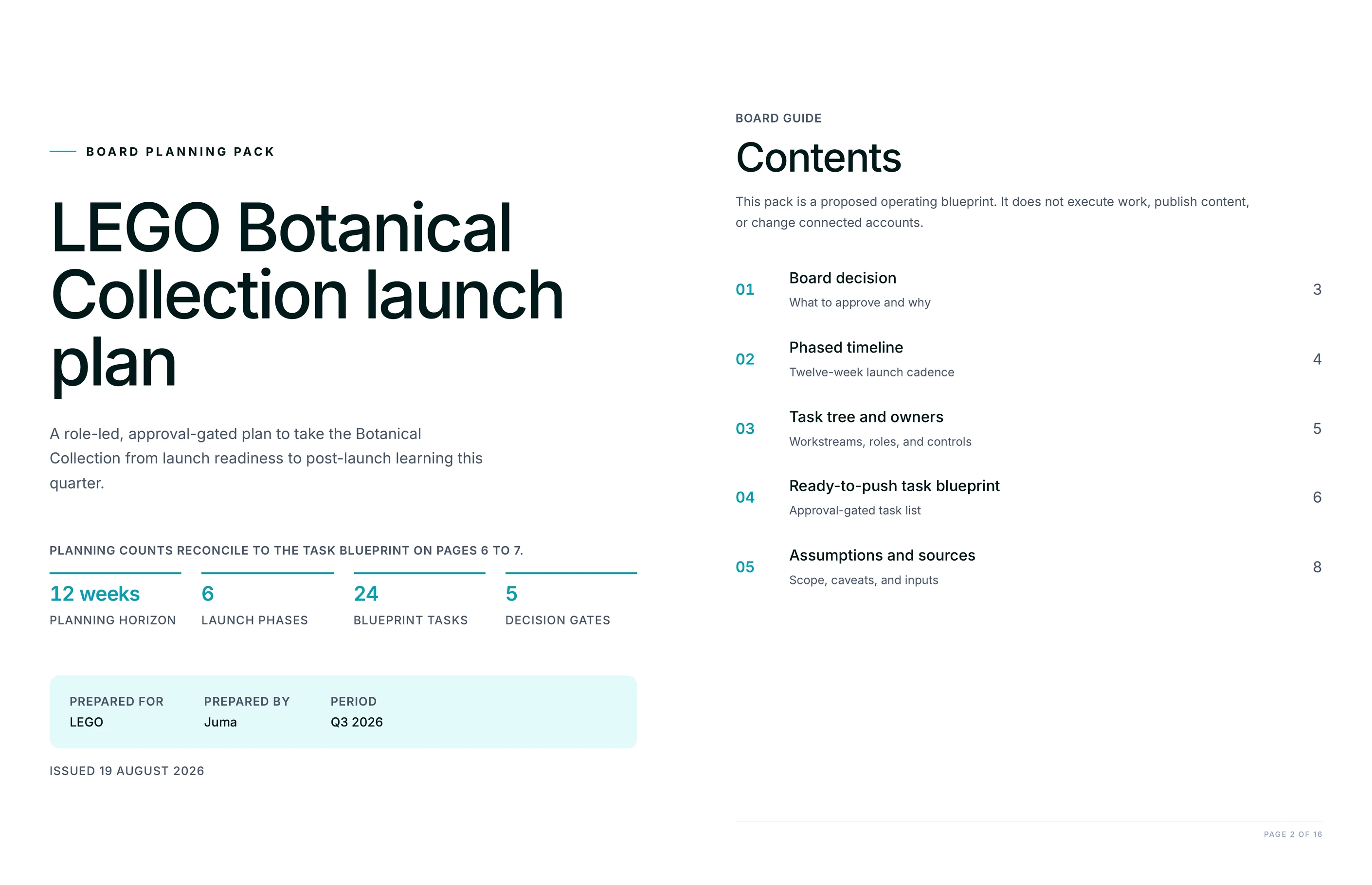
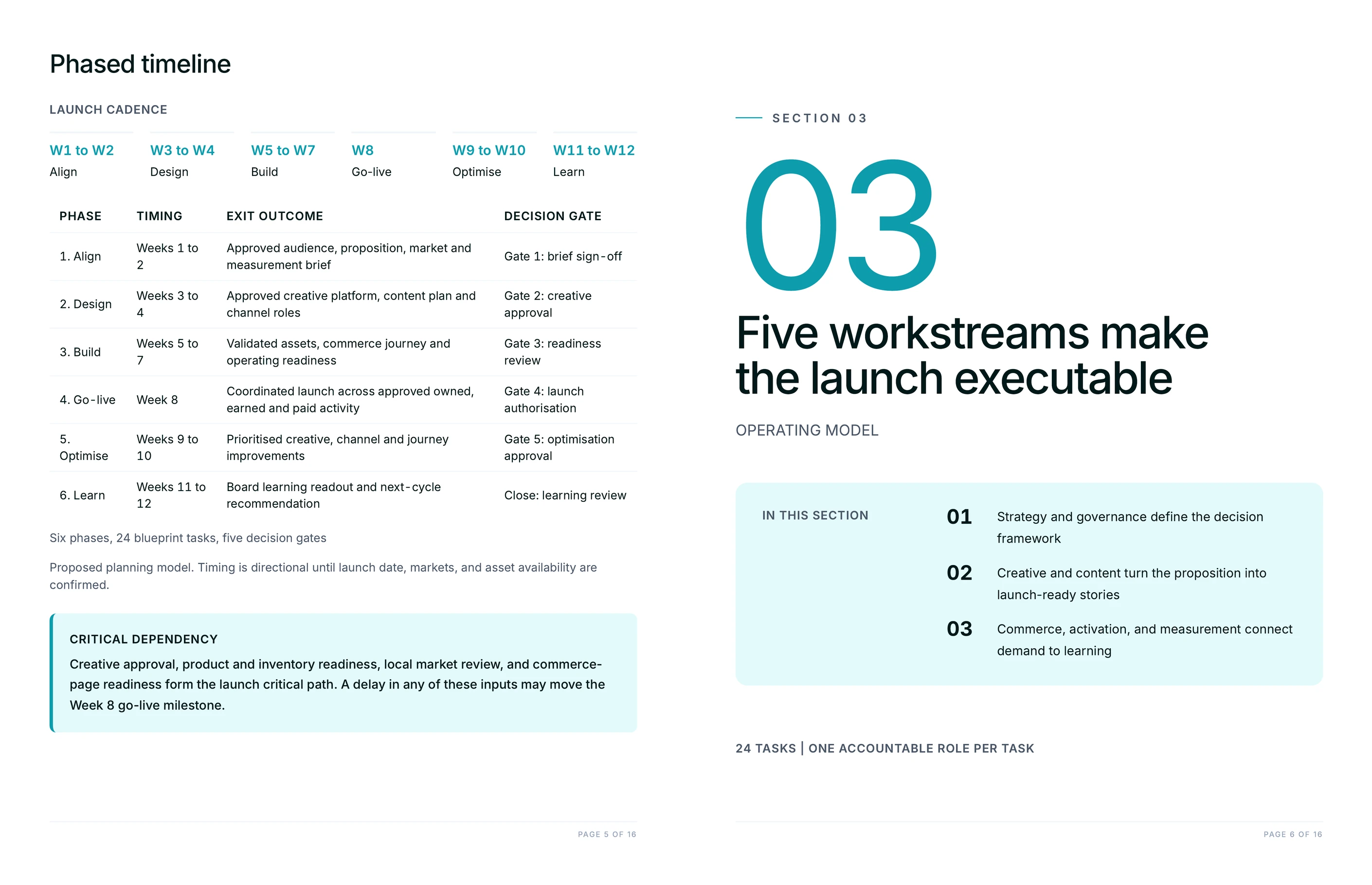
The plan groups the work into phases from kickoff to wrap, with tasks under each phase carrying a suggested owner, a due date back-timed from the launch, and the dependencies that connect them. It includes a milestone table of the dates that matter most, a roles list, and a critical-path callout naming the one slip most likely to move the launch. The board task list is organized by track so it maps cleanly onto lists or sections.
Because the plan is built from the brief, the level of detail matches what the brief specifies. A brief with five deliverables and three channels produces a task tree that covers each one, and the more the brief pins down, the more precise the dates and owners.
Which project management tools can Juma set the plan up in?
Juma creates the plan in the board the team already uses. It connects to Basecamp, Asana, monday, ClickUp, Notion, and Jira, and builds phases, tasks, owners, and due dates in whichever one is connected. There's no need to standardize the whole agency on one tool: one client can run on Asana and another on Basecamp, and the same Flow plans both.
Where a tool supports dependencies or start and due dates, Juma sets those too. Where it doesn't, the plan still carries them in the summary so the information isn't lost, and the team can add them manually if the tool needs it.
Does Juma create tasks on the board automatically?
No. Juma always shows the full task list first and waits for the team to confirm before it writes anything to the board. Nothing is created until someone approves it, so the Flow is safe to run on a live client board without risk of a surprise pile of tasks appearing.
This propose-then-push pattern means the review happens where it should, before the plan becomes real work. The team edits owners, dates, or scope in the proposed list, then approves, and Juma sets up exactly what was approved. Human review sits on every change that reaches the board.
Can Juma read a brief from a Google Doc or Notion?
Yes. Paste the brief into the chat, or connect Google Drive or Notion and name the document, and Juma reads it directly to build the plan. It pulls the goals, channels, deliverables, and any dates the brief specifies and turns them into the task tree.
If there's no written brief yet, a short description in the chat is enough to start. Juma builds a first-pass plan from the campaign type and the launch date, and the team fills in specifics from there. Either way the plan is a starting point the team shapes, not a finished artifact to accept blindly.


.webp)

.webp)